主な特徴とプライバシー保証
- ✓ 100%ブラウザ内完結: データは端末外に出ず、外部サーバーに送信されることはありません。
- ✓ リアルタイム高速出力: ネットワーク遅延ゼロ、入力と同時に即時反映・高速コピー。
- ✓ 永久無料&制限なし: 会員登録不要、課金なし、1日の利用制限も一切ありません。
- ✓ 標準規格準拠: RFC、ISO、W3Cウェブ標準仕様に厳密に準拠して設計されています。
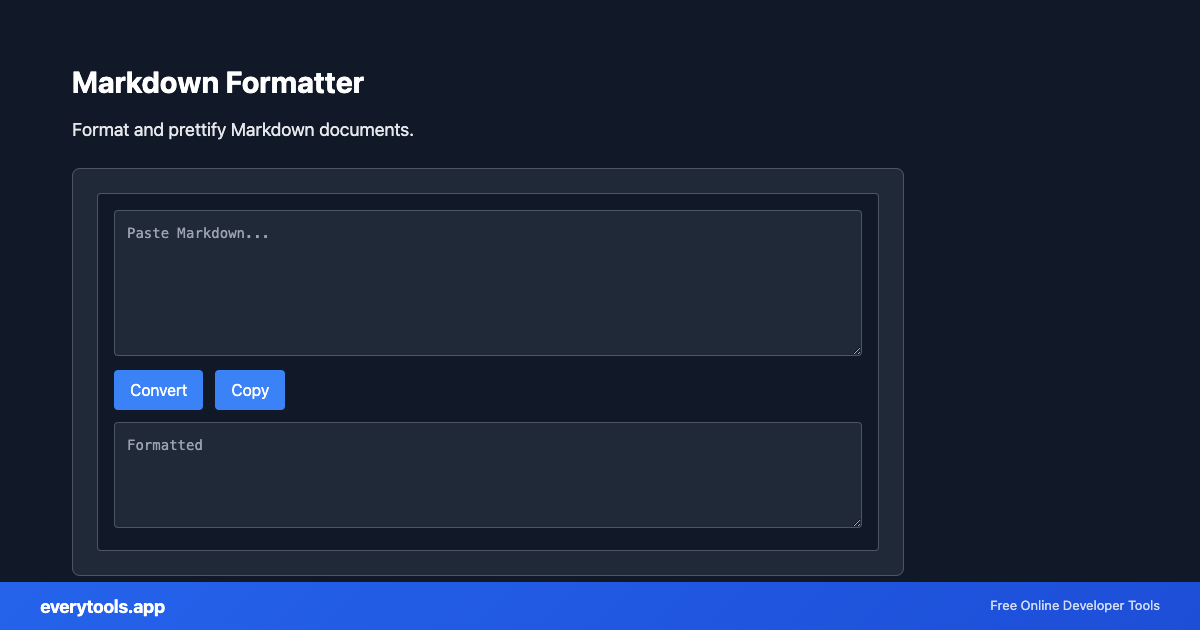
Free Online Markdown Formatter
The Markdown Formatter is a high-speed, privacy-first web utility in the Formatters suite designed to format and prettify markdown documents directly in your browser without requiring software installations, browser extensions, or account registrations.
技術仕様とアーキテクチャ
- Technical Standard:
- CommonMark Specification & GitHub Flavored Markdown (GFM)
- Execution Environment:
- 100% Client-Side Browser Sandbox
- Data Privacy:
- Zero Server Storage / No Tracking
- Processing Speed:
- Real-time local CPU execution
- Cross-Platform:
- Works on Windows, macOS, Linux, iOS & Android
Code Beautification & Indentation Mechanics
The formatter tokenizes your source code into keywords, operators, strings, comments, and blocks. It normalizes indentation depth, enforces consistent spacing around operators, aligns nested braces and brackets, and wraps long expressions to conform with standard language style guides. This eliminates formatting inconsistencies, simplifies team pull requests, and highlights syntax errors before execution.
Provide Input
Enter, paste, or upload your data into the input field above.
Configure & Process
The tool immediately processes your input in real time according to your chosen settings.
Copy or Save
Use the Copy button to copy the output to your clipboard, or download the result to your device.
連携ツール・次のステップ
Markdown Formatterと合わせてよく使われる便利な開発者ユーティリティ
Markdown to HTML
Convert Markdown to HTML. Support for GitHub-flavored Markdown.
HTML to Markdown
Convert HTML to Markdown format. Extract content as MD.
CSV to Markdown Table
Convert CSV to Markdown table format. Paste CSV, get ready-to-use Markdown with pipes and alignment.
その他 コード整形 (Formatters)
JavaScript Formatter
Format and beautify JavaScript code with proper indentation.
HTML Formatter
Format HTML with consistent indentation and line breaks.
CSS Formatter
Format CSS for better readability and maintainability.
PHP Formatter
Format PHP code with proper styling and indentation.
Ruby Formatter
Format Ruby code for consistency and readability.
JSON Formatter
Format and validate JSON with syntax highlighting.
JSON-LD Formatter
Format and validate JSON-LD structured data. Add @context, escape for script tags, SEO schema.
Pug Formatter
Format Pug (Jade) template code.