Format and beautify HTML5 code online
Indents nested HTML elements, formats inline styles and scripts, and eliminates messy whitespace for clean, readable markup.
Technical Specifications & Architecture
- Technical Standard:
- W3C HTML5 Recommendation & WHATWG Living Standard
- Execution Environment:
- 100% Client-Side Browser Sandbox
- Data Privacy:
- Zero Server Storage / No Tracking
- Processing Speed:
- Real-time local CPU execution
- Cross-Platform:
- Works on Windows, macOS, Linux, iOS & Android
Code Beautification & Indentation Mechanics
The formatter tokenizes your source code into keywords, operators, strings, comments, and blocks. It normalizes indentation depth, enforces consistent spacing around operators, aligns nested braces and brackets, and wraps long expressions to conform with standard language style guides. This eliminates formatting inconsistencies, simplifies team pull requests, and highlights syntax errors before execution.
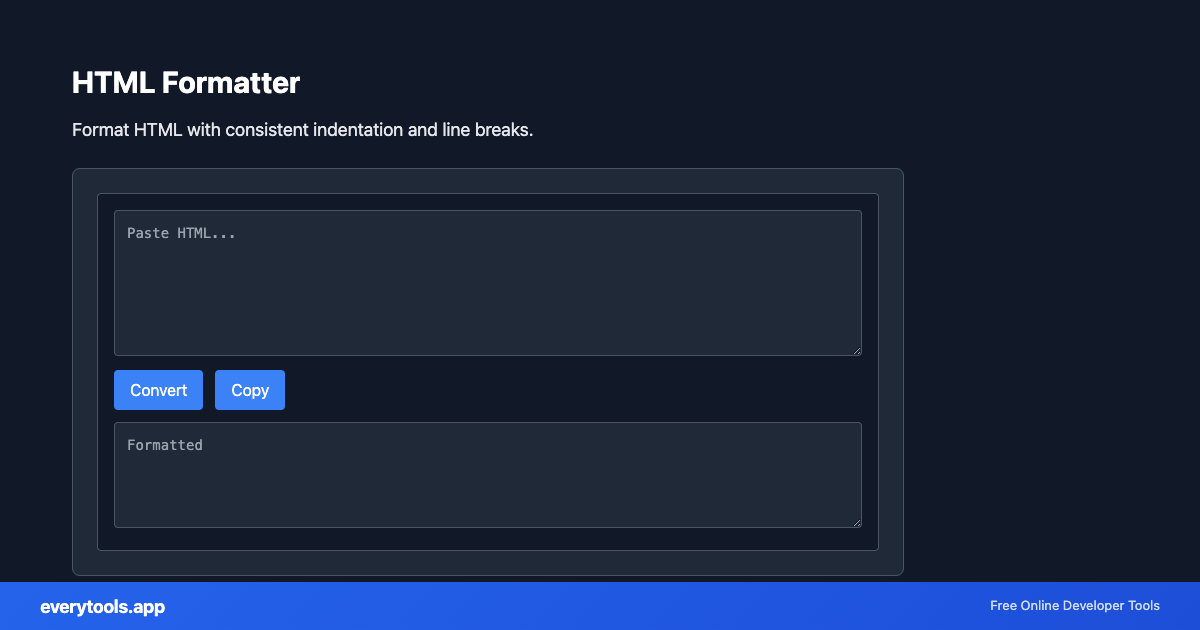
Provide Input
Enter, paste, or upload your data into the input field above.
Configure & Process
The tool immediately processes your input in real time according to your chosen settings.
Copy or Save
Use the Copy button to copy the output to your clipboard, or download the result to your device.
Technical Reference & Standards
HTML5 Semantic Nesting & Indentation Rules
Clean markup requires consistent tag hierarchy indentation. The formatter indents child tags within container elements (<header>, <nav>, <main>, <section>, <div>) by 2 or 4 spaces, handles self-closing tags (<img />, <input />, <meta />), preserves whitespace within <pre> and <code> blocks, and wraps long attribute lists for readability.
Debugging Minified CMS & Email Templates
CMS exports, marketing email templates, and production bundlers frequently produce unindented, minified HTML. Formatting raw templates in-browser makes it easy to spot unclosed tags, broken DOM structures, missing ARIA accessibility attributes, and malformed Open Graph meta tags.
Common Use Cases
- Clean up minified HTML from email templates and CMS output
- Format HTML snippets before pasting into documentation or code reviews
- Debug DOM structure by formatting page source with proper indentation
- Prepare HTML for diff comparison between template versions
Connected Tools & Next Steps
Recommended developer utilities frequently used before or after HTML Formatter
Other Formatters Tools
JavaScript Formatter
Format and beautify JavaScript code with proper indentation.
CSS Formatter
Format CSS for better readability and maintainability.
PHP Formatter
Format PHP code with proper styling and indentation.
Ruby Formatter
Format Ruby code for consistency and readability.
JSON Formatter
Format and validate JSON with syntax highlighting.
JSON-LD Formatter
Format and validate JSON-LD structured data. Add @context, escape for script tags, SEO schema.
Pug Formatter
Format Pug (Jade) template code.
Kotlin Formatter
Format Kotlin code with proper indentation.
Frequently Asked Questions
- How to format HTML?
- Paste your HTML in the tool above. It adds proper indentation and line breaks for readability. Works with HTML5, inline CSS, and scripts. Click Copy to use the result.
- Why format HTML code?
- Formatted HTML is easier to read, debug, and maintain. Consistent indentation helps you spot nesting errors and makes collaboration simpler.
- HTML formatter vs minifier?
- A formatter makes HTML readable by adding whitespace. A minifier does the opposite—removes whitespace to reduce file size. Use a formatter for development and a minifier for production.