Key Features & Privacy Guarantee
- ✓ 100% In-Browser Execution: Your data never leaves your device or touches any remote server.
- ✓ Real-Time Instant Output: Zero network latency, instant typing evaluation, and fast clipboard copy.
- ✓ Free & Unlimited Forever: No account signup, no paywalls, and no daily usage throttling.
- ✓ Standards Compliant: Built strictly according to RFC, ISO, and W3C web standard specifications.
Free Online HTML to Markdown
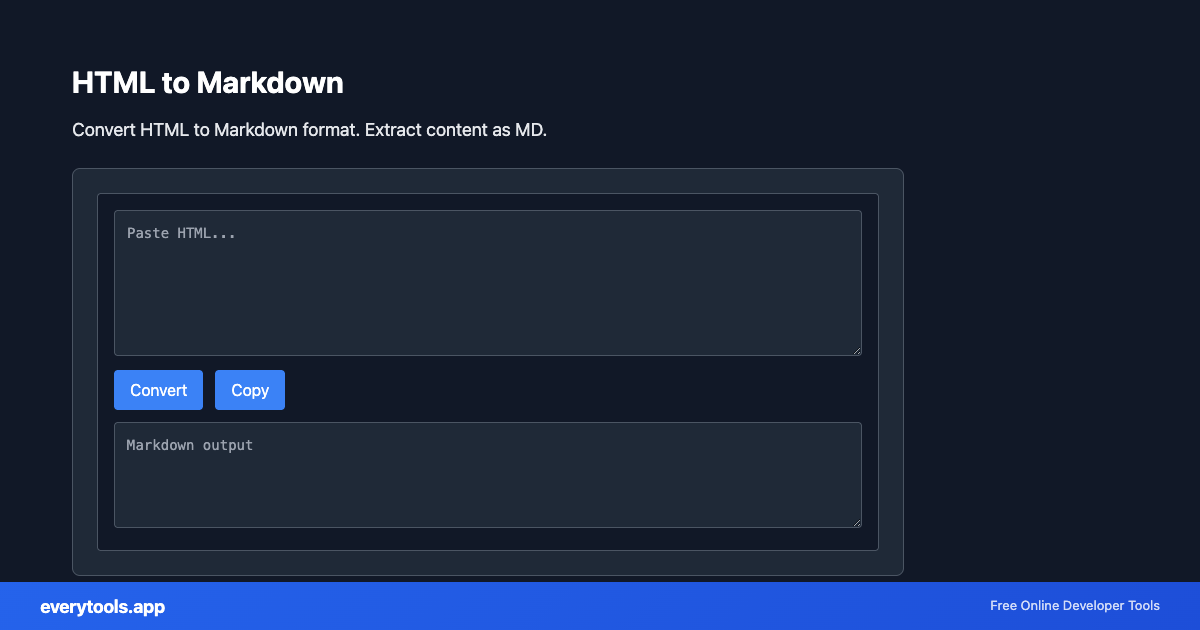
The HTML to Markdown is a high-speed, privacy-first web utility in the Converters suite designed to convert html to markdown format. extract content as md directly in your browser without requiring software installations, browser extensions, or account registrations.
Technical Specifications & Architecture
- Technical Standard:
- W3C HTML5 Recommendation & WHATWG Living Standard
- Execution Environment:
- 100% Client-Side Browser Sandbox
- Data Privacy:
- Zero Server Storage / No Tracking
- Processing Speed:
- Real-time local CPU execution
- Cross-Platform:
- Works on Windows, macOS, Linux, iOS & Android
How Client-Side Data Conversion Works
Data conversion takes raw text in a source syntax and transforms it into a target schema or format. The input is first parsed into an abstract syntax tree (AST) or typed in-memory objects. The converter normalizes data types, resolves nested structures, escapes special characters according to target specifications, and serializes the result into the destination format—all executed in real time inside your browser memory without server uploads.
Provide Input
Enter, paste, or upload your data into the input field above.
Configure & Process
The tool immediately processes your input in real time according to your chosen settings.
Copy or Save
Use the Copy button to copy the output to your clipboard, or download the result to your device.
Connected Tools & Next Steps
Recommended developer utilities frequently used before or after HTML to Markdown
HTML Minifier
Minify HTML to reduce file size and improve page load speed.
HTML Formatter
Format HTML with consistent indentation and line breaks.
Markdown Table Generator
Create GitHub Flavored Markdown (GFM) tables with custom rows, columns, and alignment.
Other Converters Tools
JSON to CSV
Convert JSON data to CSV format. Export JSON to spreadsheet-friendly format.
CSV to JSON
Convert CSV to JSON. Parse comma-separated values into structured data.
JSON to YAML
Convert JSON to YAML format. Transform data between formats.
Case Converter
Convert text between camelCase, snake_case, kebab-case, and more.
Base64 to Image
Convert Base64 encoded strings to images. Decode and display images.
Image to Base64
Convert images to Base64 encoding. Embed images in HTML or JSON.
HTML to Text
Convert HTML to plain text. Extract readable content from HTML.
Pug to HTML
Convert Pug (Jade) templates to HTML.