Format and beautify Ruby code online
Clean up messy Ruby scripts, Rails controllers, and Gemfiles. Enforces standard 2-space indentation, cleans trailing whitespace, and improves code readability directly in your browser.
Technical Specifications & Architecture
- Execution Environment:
- 100% Client-Side Browser Sandbox
- Data Privacy:
- Zero Server Storage / No Tracking
- Processing Speed:
- Real-time local CPU execution
- Cross-Platform:
- Works on Windows, macOS, Linux, iOS & Android
Code Beautification & Indentation Mechanics
The formatter tokenizes your source code into keywords, operators, strings, comments, and blocks. It normalizes indentation depth, enforces consistent spacing around operators, aligns nested braces and brackets, and wraps long expressions to conform with standard language style guides. This eliminates formatting inconsistencies, simplifies team pull requests, and highlights syntax errors before execution.
Provide Input
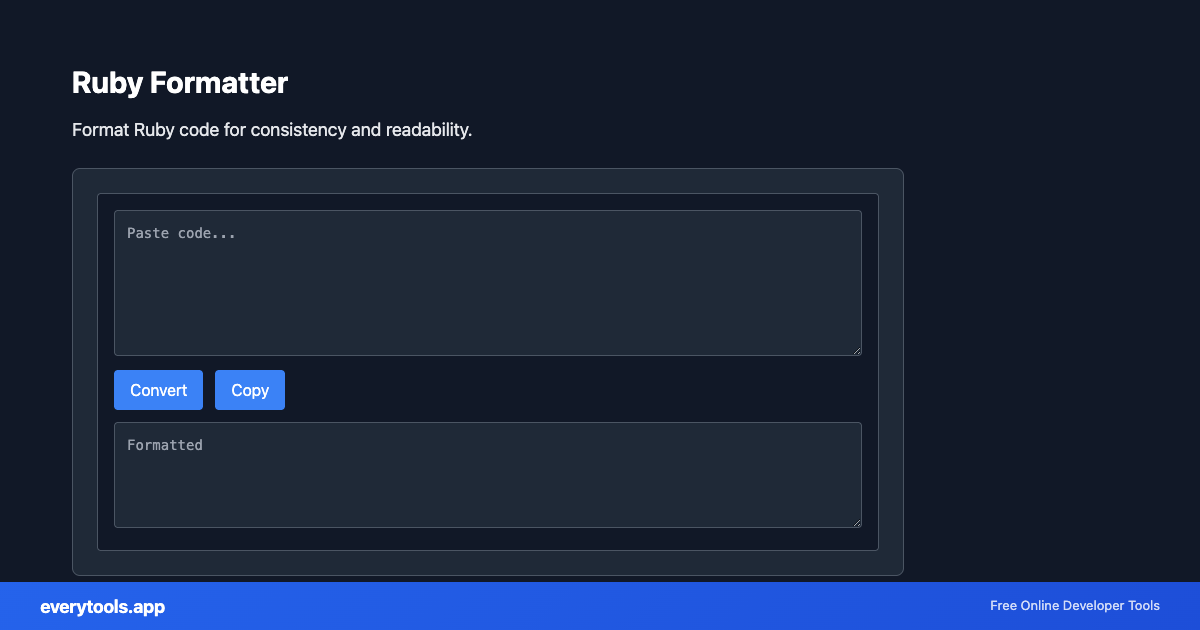
Enter, paste, or upload your data into the input field above.
Configure & Process
The tool immediately processes your input in real time according to your chosen settings.
Copy or Save
Use the Copy button to copy the output to your clipboard, or download the result to your device.
Technical Reference & Standards
Ruby Code Style & RuboCop Community Standards
Ruby development adheres to strict community conventions codified by the RuboCop style guide: 2-space soft indentation (never tabs), spaces inside hash literals ({ key: value }), clean block formatting (do..end for multi-line, {..} for single-line), and standardized class structure. Consistent formatting prevents noisy git diffs and accelerates peer review.
In-Browser Ruby Lexing Without Server Runtimes
Unlike local CLI tools requiring rbenv, Bundler, and native gem dependencies, this web formatter tokenizes and beautifies Ruby source files directly in client-side JavaScript. It handles nested class hierarchies, heredocs, symbol arrays (%i[..]), and regular expression literals safely on any device.
Common Use Cases
- Clean up and beautify messy Ruby scripts, Rails controller snippets, and Gemfile files
- Standardize Ruby indentation to 2 spaces aligning with RuboCop guidelines
- Improve readability of Ruby blocks, hashes, and nested class definitions
- Format code snippets before pasting into documentation or pull requests
You might also like
Connected Tools & Next Steps
Recommended developer utilities frequently used before or after Ruby Formatter
HTML Formatter
Format HTML with consistent indentation and line breaks.
SQL Formatter
Format SQL queries for readability and consistency.
JSON Formatter
Format and validate JSON with syntax highlighting.
Other Formatters Tools
JavaScript Formatter
Format and beautify JavaScript code with proper indentation.
HTML Formatter
Format HTML with consistent indentation and line breaks.
CSS Formatter
Format CSS for better readability and maintainability.
PHP Formatter
Format PHP code with proper styling and indentation.
JSON Formatter
Format and validate JSON with syntax highlighting.
JSON-LD Formatter
Format and validate JSON-LD structured data. Add @context, escape for script tags, SEO schema.
Pug Formatter
Format Pug (Jade) template code.
Kotlin Formatter
Format Kotlin code with proper indentation.
Frequently Asked Questions
- How do I format Ruby code online?
- Paste your Ruby code in the tool above. It will format with consistent indentation and line breaks. Click Copy to use the formatted code in your project.
- Why format Ruby code?
- Consistent formatting improves readability and makes code easier to maintain. It helps teams follow style guides like RuboCop and makes diffs cleaner.