核心特性与隐私安全保证
- ✓ 100% 浏览器本地运行:您的输入数据绝不离开本地设备,不会上传至任何远程服务器。
- ✓ 实时无延迟输出:零网络等待时间,随打随算,毫秒级快速剪贴板复制。
- ✓ 永久完全免费无限制:无需注册登录,没有付费门槛,没有每日使用频率限制。
- ✓ 严格遵循国际标准:基于 RFC、ISO 及 W3C 官方网络协议规范构建。
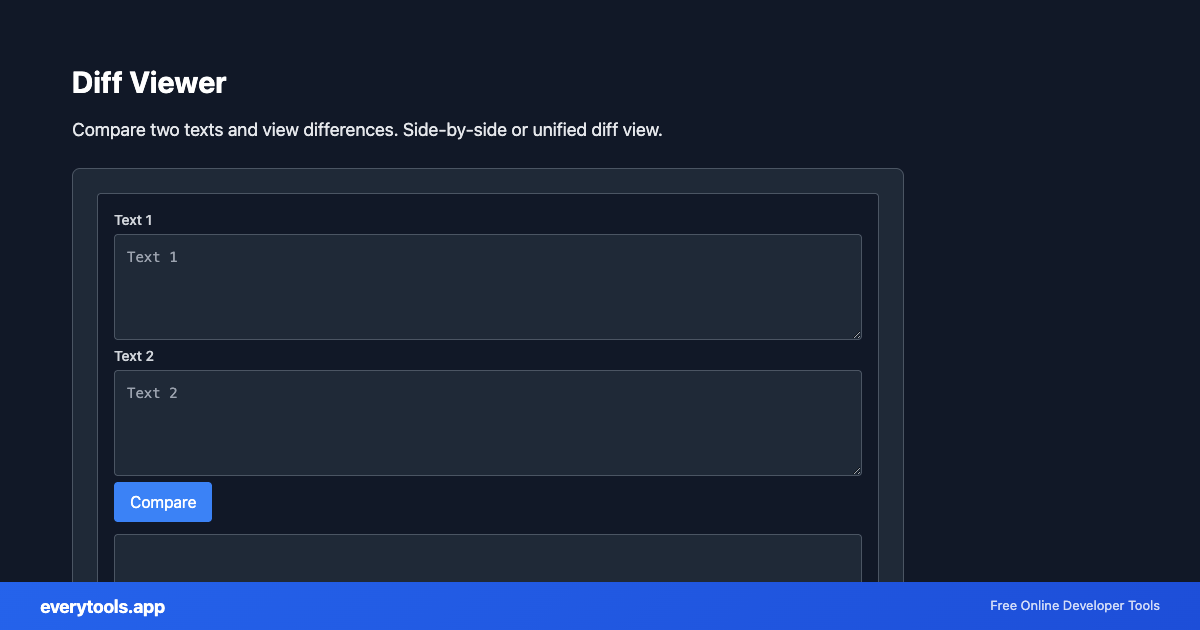
Compare two text versions
Spot insertions and deletions between drafts, configs, or API responses. “Text diff” intent wants immediacy—pair with JSON formatter when both inputs are minified.
技术规格与架构设计
- Execution Environment:
- 100% Client-Side Browser Sandbox
- Data Privacy:
- Zero Server Storage / No Tracking
- Processing Speed:
- Real-time local CPU execution
- Cross-Platform:
- Works on Windows, macOS, Linux, iOS & Android
Local Processing for Viewers
This tool runs within your browser sandbox using modern Web APIs. Inputs are processed on your local device CPU, avoiding network latency and ensuring your data is never stored on external servers or accessible to third parties.
Provide Input
Enter, paste, or upload your data into the input field above.
Configure & Process
The tool immediately processes your input in real time according to your chosen settings.
Copy or Save
Use the Copy button to copy the output to your clipboard, or download the result to your device.
常见应用场景
- Review CMS export changes before import
- Compare staging vs production JSON responses
- Teach students line-based change tracking
- Support agents contrasting before/after error messages
您可能还喜欢
关联工具与工作流推荐
在配合 Diff Viewer 使用时最受欢迎的上下游实用开发辅助工具
Image Average Color
Get the dominant or average color from an image.
Image Color Palette
Extract color palette from images.
Image Color Picker
Pick colors from images. Get hex, RGB values from any image.
其他 数据查看器
Image Average Color
Get the dominant or average color from an image.
Image Color Palette
Extract color palette from images.
Image Color Picker
Pick colors from images. Get hex, RGB values from any image.
Source Code Viewer
View and inspect webpage source code with syntax highlighting.
JSON Viewer
View JSON as a collapsible tree. Pretty-print, expand, collapse. Sample data included.
XML Viewer
View XML as a structured tree. Expand nodes, see attributes. Sample data included.
YAML Viewer
View YAML as a collapsible tree. Parse and explore structure. Sample data included.
EXIF Data Viewer & Stripper
Inspect photo EXIF metadata (camera, GPS location, timestamp) and remove EXIF tags for privacy before sharing.
常见问题
- Diff vs git diff?
- Git understands file history and merges. This tool is for ad-hoc snippets pasted from tickets, email, or logs without a repo context.
- Large payloads?
- Very large pastes can slow the browser. Consider comparing hashed sections or splitting by file for huge configs.