主な特徴とプライバシー保証
- ✓ 100%ブラウザ内完結: データは端末外に出ず、外部サーバーに送信されることはありません。
- ✓ リアルタイム高速出力: ネットワーク遅延ゼロ、入力と同時に即時反映・高速コピー。
- ✓ 永久無料&制限なし: 会員登録不要、課金なし、1日の利用制限も一切ありません。
- ✓ 標準規格準拠: RFC、ISO、W3Cウェブ標準仕様に厳密に準拠して設計されています。
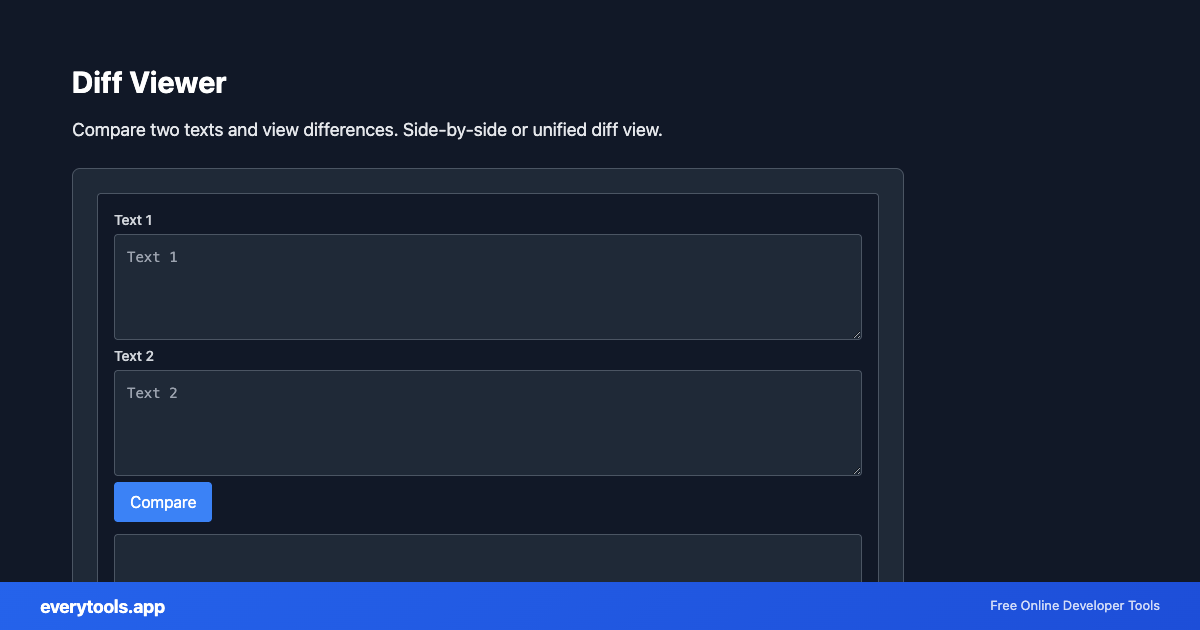
Compare two text versions
Spot insertions and deletions between drafts, configs, or API responses. “Text diff” intent wants immediacy—pair with JSON formatter when both inputs are minified.
技術仕様とアーキテクチャ
- Execution Environment:
- 100% Client-Side Browser Sandbox
- Data Privacy:
- Zero Server Storage / No Tracking
- Processing Speed:
- Real-time local CPU execution
- Cross-Platform:
- Works on Windows, macOS, Linux, iOS & Android
Local Processing for Viewers
This tool runs within your browser sandbox using modern Web APIs. Inputs are processed on your local device CPU, avoiding network latency and ensuring your data is never stored on external servers or accessible to third parties.
Provide Input
Enter, paste, or upload your data into the input field above.
Configure & Process
The tool immediately processes your input in real time according to your chosen settings.
Copy or Save
Use the Copy button to copy the output to your clipboard, or download the result to your device.
主な利用シーン
- Review CMS export changes before import
- Compare staging vs production JSON responses
- Teach students line-based change tracking
- Support agents contrasting before/after error messages
関連のおすすめツール
連携ツール・次のステップ
Diff Viewerと合わせてよく使われる便利な開発者ユーティリティ
Image Average Color
Get the dominant or average color from an image.
Image Color Palette
Extract color palette from images.
Image Color Picker
Pick colors from images. Get hex, RGB values from any image.
その他 閲覧・比較ツール
Image Average Color
Get the dominant or average color from an image.
Image Color Palette
Extract color palette from images.
Image Color Picker
Pick colors from images. Get hex, RGB values from any image.
Source Code Viewer
View and inspect webpage source code with syntax highlighting.
JSON Viewer
View JSON as a collapsible tree. Pretty-print, expand, collapse. Sample data included.
XML Viewer
View XML as a structured tree. Expand nodes, see attributes. Sample data included.
YAML Viewer
View YAML as a collapsible tree. Parse and explore structure. Sample data included.
EXIF Data Viewer & Stripper
Inspect photo EXIF metadata (camera, GPS location, timestamp) and remove EXIF tags for privacy before sharing.
よくある質問
- Diff vs git diff?
- Git understands file history and merges. This tool is for ad-hoc snippets pasted from tickets, email, or logs without a repo context.
- Large payloads?
- Very large pastes can slow the browser. Consider comparing hashed sections or splitting by file for huge configs.