JSON-LD Formatter
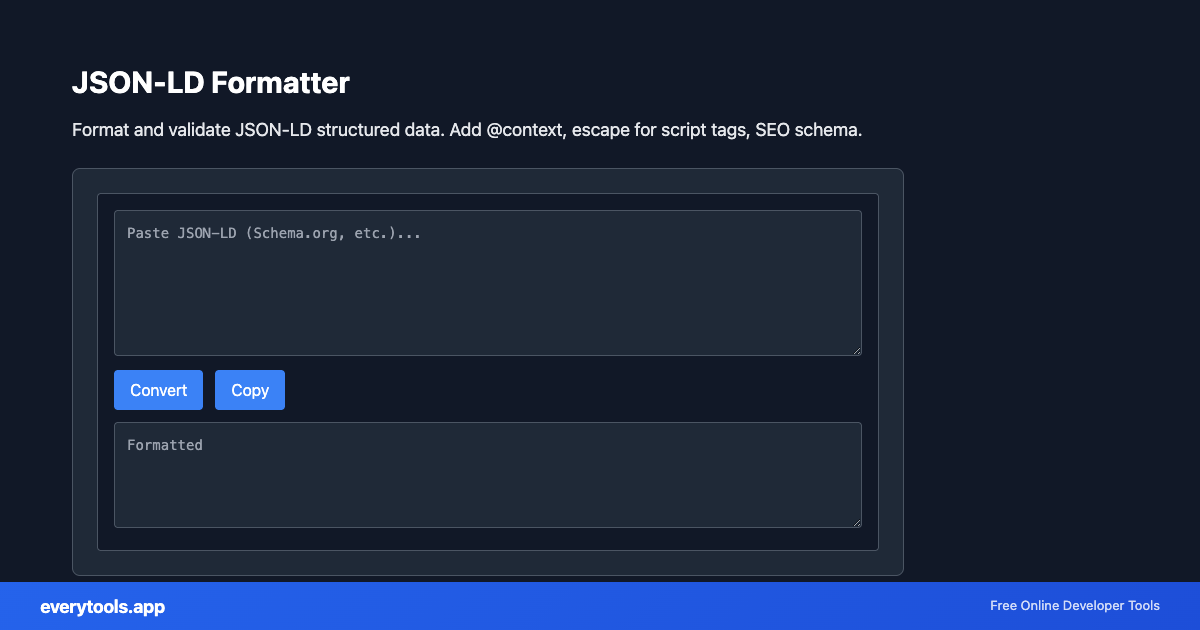
Format and validate JSON-LD structured data. Add @context, escape for script tags, SEO schema.
核心特性与隐私安全保证
- ✓ 100% 浏览器本地运行:您的输入数据绝不离开本地设备,不会上传至任何远程服务器。
- ✓ 实时无延迟输出:零网络等待时间,随打随算,毫秒级快速剪贴板复制。
- ✓ 永久完全免费无限制:无需注册登录,没有付费门槛,没有每日使用频率限制。
- ✓ 严格遵循国际标准:基于 RFC、ISO 及 W3C 官方网络协议规范构建。
Free Online JSON-LD Formatter
The JSON-LD Formatter is a high-speed, privacy-first web utility in the Formatters suite designed to format and validate json-ld structured data. add @context, escape for script tags, seo schema directly in your browser without requiring software installations, browser extensions, or account registrations.
技术规格与架构设计
- Technical Standard:
- RFC 8259 (The JavaScript Object Notation Data Interchange Format)
- Execution Environment:
- 100% Client-Side Browser Sandbox
- Data Privacy:
- Zero Server Storage / No Tracking
- Processing Speed:
- Real-time local CPU execution
- Cross-Platform:
- Works on Windows, macOS, Linux, iOS & Android
Code Beautification & Indentation Mechanics
The formatter tokenizes your source code into keywords, operators, strings, comments, and blocks. It normalizes indentation depth, enforces consistent spacing around operators, aligns nested braces and brackets, and wraps long expressions to conform with standard language style guides. This eliminates formatting inconsistencies, simplifies team pull requests, and highlights syntax errors before execution.
Provide Input
Enter, paste, or upload your data into the input field above.
Configure & Process
The tool immediately processes your input in real time according to your chosen settings.
Copy or Save
Use the Copy button to copy the output to your clipboard, or download the result to your device.
关联工具与工作流推荐
在配合 JSON-LD Formatter 使用时最受欢迎的上下游实用开发辅助工具
JSON Minifier
Minify JSON by removing whitespace and newlines.
JSON to CSV
Convert JSON data to CSV format. Export JSON to spreadsheet-friendly format.
CSV to JSON
Convert CSV to JSON. Parse comma-separated values into structured data.
其他 代码格式化 (Formatters)
JavaScript Formatter
Format and beautify JavaScript code with proper indentation.
HTML Formatter
Format HTML with consistent indentation and line breaks.
CSS Formatter
Format CSS for better readability and maintainability.
PHP Formatter
Format PHP code with proper styling and indentation.
Ruby Formatter
Format Ruby code for consistency and readability.
JSON Formatter
Format and validate JSON with syntax highlighting.
Pug Formatter
Format Pug (Jade) template code.
Kotlin Formatter
Format Kotlin code with proper indentation.