JSON to CSV Converter
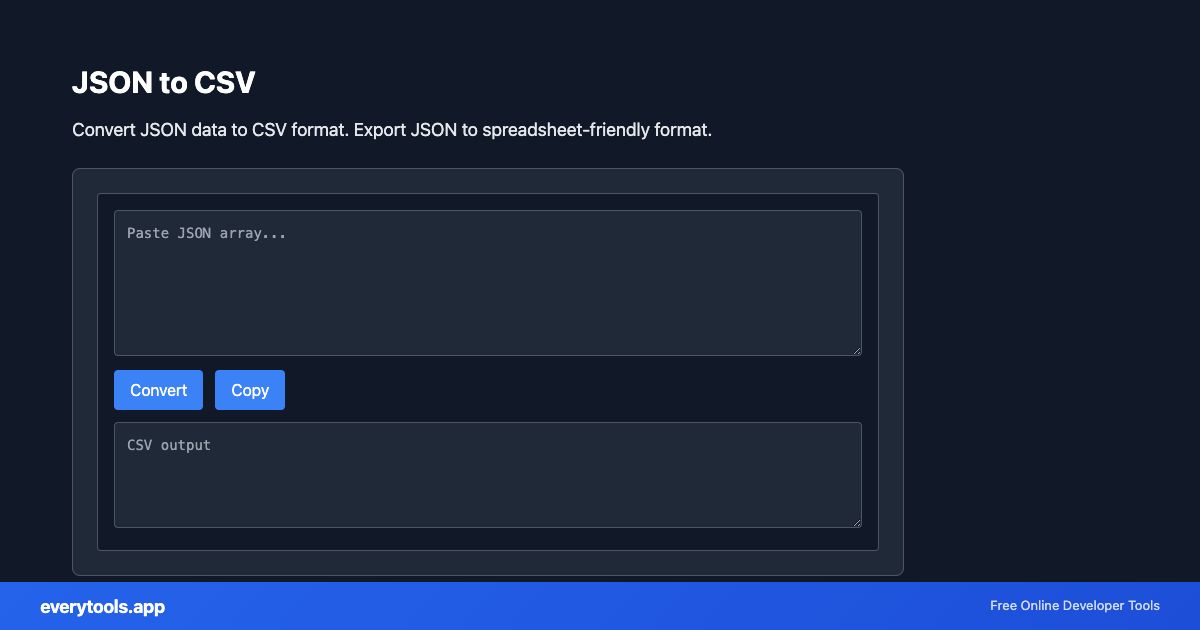
Convert JSON data to CSV format. Export JSON to spreadsheet-friendly format.
Características Principales y Garantía de Privacidad
- ✓ Ejecución 100% en el Navegador: Tus datos nunca salen de tu dispositivo ni tocan servidores remotos.
- ✓ Salida Instantánea en Tiempo Real: Cero latencia de red, evaluación al teclear y copiado rápido.
- ✓ Gratis e Ilimitado para Siempre: Sin registro, sin barreras de pago ni límites diarios.
- ✓ Cumplimiento de Estándares: Desarrollado según especificaciones web RFC, ISO y W3C.
Convert JSON to CSV in the browser
Turn JSON arrays or table-like objects into comma- or tab-separated text you can open in Excel or Google Sheets. High-intent searches like “json to csv online” expect fast conversion without installing software—this tool matches that workflow.
Especificaciones Técnicas y Arquitectura
- Technical Standard:
- RFC 4180 (Common Format and MIME Type for CSV Files)
- Execution Environment:
- 100% Client-Side Browser Sandbox
- Data Privacy:
- Zero Server Storage / No Tracking
- Processing Speed:
- Real-time local CPU execution
- Cross-Platform:
- Works on Windows, macOS, Linux, iOS & Android
How Client-Side Data Conversion Works
Data conversion takes raw text in a source syntax and transforms it into a target schema or format. The input is first parsed into an abstract syntax tree (AST) or typed in-memory objects. The converter normalizes data types, resolves nested structures, escapes special characters according to target specifications, and serializes the result into the destination format—all executed in real time inside your browser memory without server uploads.
Provide Input
Enter, paste, or upload your data into the input field above.
Configure & Process
The tool immediately processes your input in real time according to your chosen settings.
Copy or Save
Use the Copy button to copy the output to your clipboard, or download the result to your device.
Casos de Uso Comunes
- Export API list endpoints to a spreadsheet for non-developers
- Prepare sample datasets for BI tools that expect CSV first
- Quick one-off conversions without Python pandas or jq installed
- Sanity-check column names before loading into databases
También te podría interesar
Herramientas Relacionadas y Siguientes Pasos
Utilidades de desarrollo recomendadas usadas con frecuencia junto a JSON to CSV
JSON Validator
Validate JSON syntax. Find and fix JSON errors.
CSV Validator
Validate CSV format and structure.
Excel To JSON Converter
Convert Excel spreadsheets (.xlsx, .xls) to JSON format in your browser. 100% client-side — your files never leave your device.
Otras Conversores
CSV to JSON
Convert CSV to JSON. Parse comma-separated values into structured data.
JSON to YAML
Convert JSON to YAML format. Transform data between formats.
Case Converter
Convert text between camelCase, snake_case, kebab-case, and more.
Base64 to Image
Convert Base64 encoded strings to images. Decode and display images.
Image to Base64
Convert images to Base64 encoding. Embed images in HTML or JSON.
HTML to Text
Convert HTML to plain text. Extract readable content from HTML.
Pug to HTML
Convert Pug (Jade) templates to HTML.
YAML to JSON
Convert YAML to JSON format.
Preguntas frecuentes
- How do I convert JSON to CSV online?
- Paste or load your JSON, choose delimiter and header options if available, then copy the CSV output. Flat tabular data converts cleanly; deeply nested JSON may need flattening or a different export shape.
- What if my JSON has quotes inside strings?
- RFC-style CSV escaping applies: double quotes in fields are doubled. If output looks wrong, check for mixed encodings or BOM at the start of the file.
- Can I go from CSV back to JSON?
- Yes. Use our CSV to JSON converter for the reverse path—keep both in your data-cleaning pipeline.