Free online CSV syntax and RFC 4180 validator
Upload or paste your CSV data to instantly detect row delimiter discrepancies, uneven column counts, quote escapes, and encoding errors before importing into databases or spreadsheets.
Technical Specifications & Architecture
- Technical Standard:
- RFC 4180 (Common Format and MIME Type for CSV Files)
- Execution Environment:
- 100% Client-Side Browser Sandbox
- Data Privacy:
- Zero Server Storage / No Tracking
- Processing Speed:
- Real-time local CPU execution
- Cross-Platform:
- Works on Windows, macOS, Linux, iOS & Android
Syntax & Structural Verification Process
The validation engine performs lexical analysis against the formal grammar, schema definitions, or RFC requirements of the format. It verifies bracket matching, character encoding integrity, required attribute existence, and delimiter consistency. If an anomaly is found, the validator pinpoints the exact line and column location alongside an actionable explanation of the syntax violation.
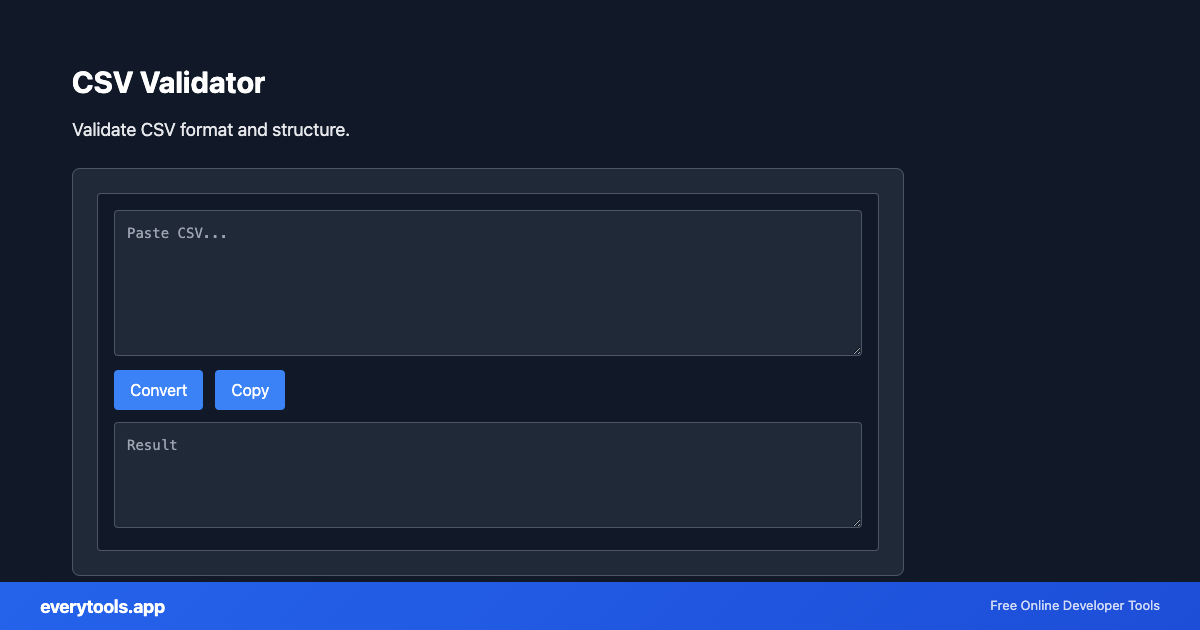
Provide Input
Enter, paste, or upload your data into the input field above.
Configure & Process
The tool immediately processes your input in real time according to your chosen settings.
Copy or Save
Use the Copy button to copy the output to your clipboard, or download the result to your device.
Technical Reference & Standards
RFC 4180 Technical Compliance & Grammar Rules
The official IETF RFC 4180 specification establishes the standard grammar for delimiter-separated data: records separated by CRLF line breaks, consistent column counts across all rows, and mandatory double-quote encapsulation for fields containing commas, line breaks, or quotation marks. Internal quotes must be escaped by prefixing them with another double quote (""). This validator verifies strict adherence to prevent downstream import failures.
Preventing Database Ingestion & ETL Pipeline Errors
Importing unvalidated CSV files into PostgreSQL (COPY command), MySQL (LOAD DATA INFILE), Snowflake, or BigQuery frequently triggers cryptic fatal exceptions like 'extra data after expected column' or 'unterminated quoted field'. Validating files in browser memory beforehand catches row length discrepancies, Byte Order Marks (BOM), and header mismatches before database rollbacks occur.
Common Use Cases
- Validate bulk export files before importing into PostgreSQL, MySQL, or MongoDB
- Check data pipeline feeds and ETL CSV files for malformed rows or mismatched column counts
- Verify customer list uploads for email marketing and CRM platforms (Mailchimp, HubSpot)
- Troubleshoot broken Excel or Google Sheets CSV export formatting
You might also like
Connected Tools & Next Steps
Recommended developer utilities frequently used before or after CSV Validator
CSV to JSON
Convert CSV to JSON. Parse comma-separated values into structured data.
JSON to CSV
Convert JSON data to CSV format. Export JSON to spreadsheet-friendly format.
Excel To CSV Converter
Convert Excel files to CSV format in your browser. 100% client-side — your files never leave your device. No upload required.
Other Validators Tools
CSS Validator
Validate CSS syntax and find errors.
JSON Validator
Validate JSON syntax. Find and fix JSON errors.
Email Validator
Validate email format and check syntax.
URL Validator
Validate URL format and structure.
IP Address Validator
Validate IPv4 and IPv6 addresses.
Password Strength Checker
Check password strength. Length, complexity, and common pattern detection.
JSON Schema Validator
Validate JSON against a JSON Schema.
Hex Color Validator
Validate HEX color format. Supports #RGB, #RRGGBB, #RRGGBBAA. Returns RGB values.
Frequently Asked Questions
- What does this CSV validator check?
- It validates RFC 4180 compliance, consistent column counts across all rows, proper quote escaping (double quotes), header consistency, and delimiter issues (comma, semicolon, tab, pipe).
- Is my CSV file data uploaded to a server?
- No. The entire validation process executes locally in your browser using client-side JavaScript. Your confidential records, customer lists, and financial figures never leave your machine.
- How do I fix common CSV errors like uneven columns?
- Uneven column errors usually happen when a field contains an unescaped comma or line break without enclosing quotes. Ensure values with delimiters are wrapped in double quotes and quotes inside values are doubled.
- Which delimiters are supported?
- Standard comma-separated values (,), semicolons (;), tabs (TSV), and pipe characters (|) can be checked and parsed.