Key Features & Privacy Guarantee
- ✓ 100% In-Browser Execution: Your data never leaves your device or touches any remote server.
- ✓ Real-Time Instant Output: Zero network latency, instant typing evaluation, and fast clipboard copy.
- ✓ Free & Unlimited Forever: No account signup, no paywalls, and no daily usage throttling.
- ✓ Standards Compliant: Built strictly according to RFC, ISO, and W3C web standard specifications.
YAML to JSON for configs and APIs
Translate human-readable YAML into JSON for tools that only accept JSON or for diffing in JSON-centric viewers. Pairs naturally with JSON to YAML for round trips.
Technical Specifications & Architecture
- Technical Standard:
- RFC 8259 (The JavaScript Object Notation Data Interchange Format)
- Execution Environment:
- 100% Client-Side Browser Sandbox
- Data Privacy:
- Zero Server Storage / No Tracking
- Processing Speed:
- Real-time local CPU execution
- Cross-Platform:
- Works on Windows, macOS, Linux, iOS & Android
How Client-Side Data Conversion Works
Data conversion takes raw text in a source syntax and transforms it into a target schema or format. The input is first parsed into an abstract syntax tree (AST) or typed in-memory objects. The converter normalizes data types, resolves nested structures, escapes special characters according to target specifications, and serializes the result into the destination format—all executed in real time inside your browser memory without server uploads.
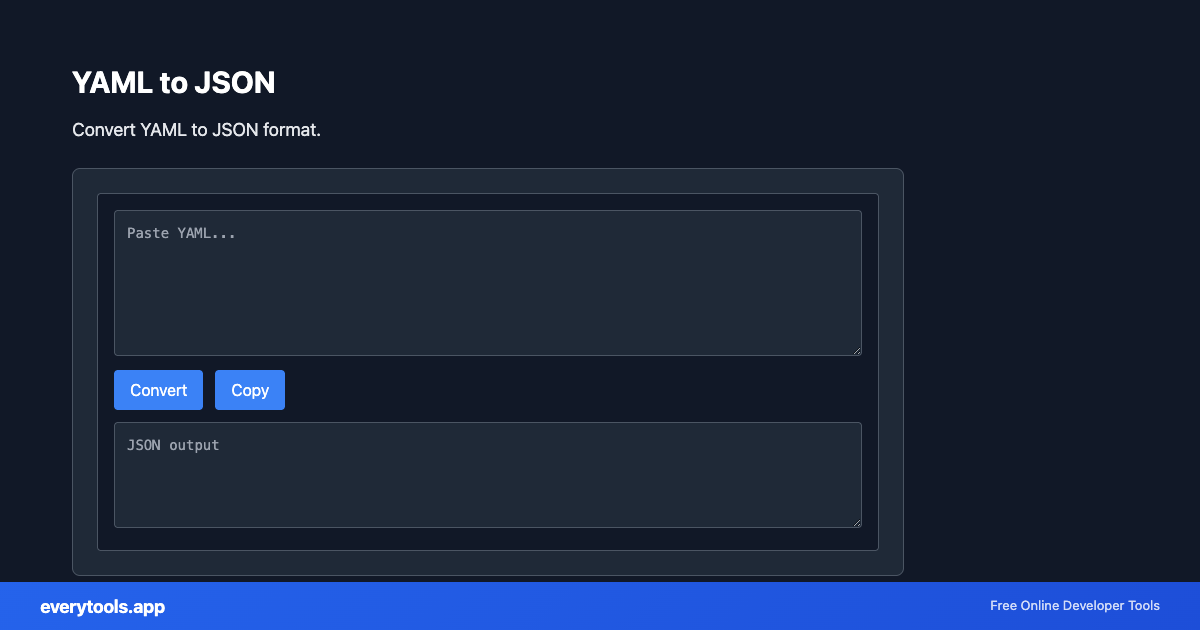
Provide Input
Enter, paste, or upload your data into the input field above.
Configure & Process
The tool immediately processes your input in real time according to your chosen settings.
Copy or Save
Use the Copy button to copy the output to your clipboard, or download the result to your device.
Common Use Cases
- Bring Kubernetes snippets into JSON-only linters
- Share CI configs with teammates who prefer JSON editors
- Prototype API bodies from existing service YAML
- Combine with JSON Schema validator after conversion
You might also like
Connected Tools & Next Steps
Recommended developer utilities frequently used before or after YAML to JSON
JSON Minifier
Minify JSON by removing whitespace and newlines.
JSON Formatter
Format and validate JSON with syntax highlighting.
JSON-LD Formatter
Format and validate JSON-LD structured data. Add @context, escape for script tags, SEO schema.
Other Converters Tools
JSON to CSV
Convert JSON data to CSV format. Export JSON to spreadsheet-friendly format.
CSV to JSON
Convert CSV to JSON. Parse comma-separated values into structured data.
JSON to YAML
Convert JSON to YAML format. Transform data between formats.
Case Converter
Convert text between camelCase, snake_case, kebab-case, and more.
Base64 to Image
Convert Base64 encoded strings to images. Decode and display images.
Image to Base64
Convert images to Base64 encoding. Embed images in HTML or JSON.
HTML to Text
Convert HTML to plain text. Extract readable content from HTML.
Pug to HTML
Convert Pug (Jade) templates to HTML.
Frequently Asked Questions
- Why does conversion fail on my YAML?
- Tabs, inconsistent indentation, or ambiguous anchors often break parsers. Validate spacing and try a smaller excerpt to isolate the first error line.
- Multi-document YAML?
- Support depends on the engine. If you rely on --- separators, confirm whether the tool processes one document at a time or merges according to its UI.