CSV to JSON Converter
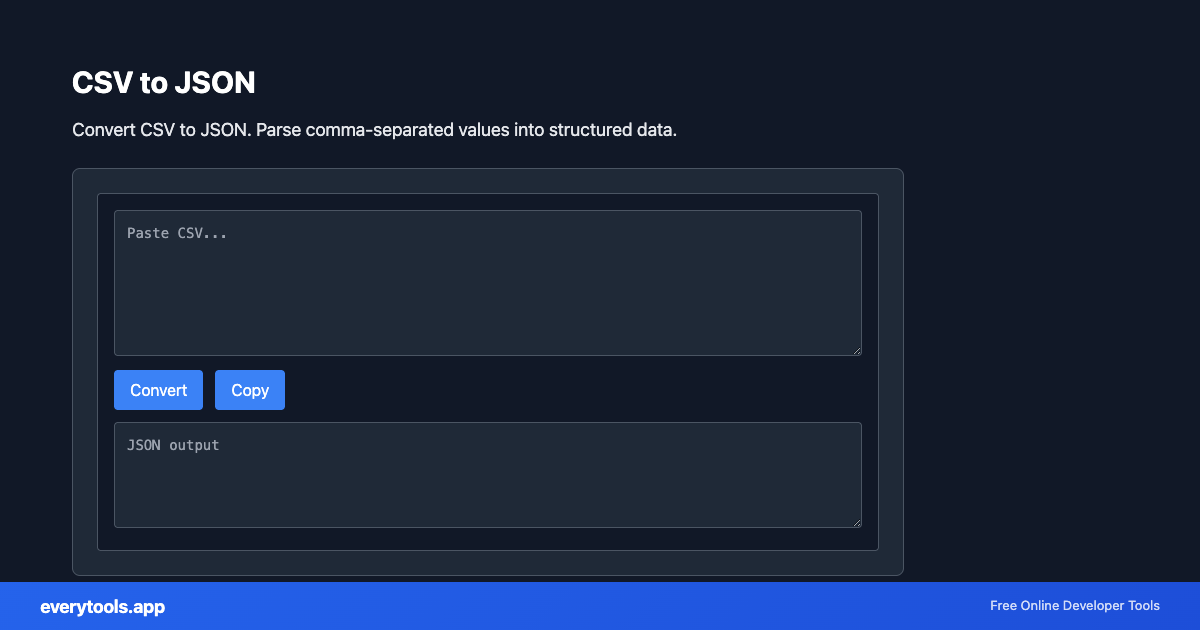
Convert CSV to JSON. Parse comma-separated values into structured data.
Fonctionnalités Clés et Garantie de Confidentialité
- ✓ Exécution 100% Navigateur : Vos données ne quittent jamais votre appareil ni ne touchent un serveur distant.
- ✓ Résultat Instantané en Temps Réel : Aucune latence réseau, calcul immédiat et copie rapide.
- ✓ Gratuit et Illimité pour Toujours : Pas d'inscription, pas de paywall ni de quota quotidien.
- ✓ Conforme aux Standards : Conçu rigoureusement selon les spécifications RFC, ISO et W3C.
Spreadsheet rows to JSON arrays
Import tabular exports into structures your apps and APIs expect. Edge cases like quoted commas and UTF-8 BOM deserve a short warning section—thin pages skip that and look generic.
Spécifications Techniques et Architecture
- Technical Standard:
- RFC 4180 (Common Format and MIME Type for CSV Files)
- Execution Environment:
- 100% Client-Side Browser Sandbox
- Data Privacy:
- Zero Server Storage / No Tracking
- Processing Speed:
- Real-time local CPU execution
- Cross-Platform:
- Works on Windows, macOS, Linux, iOS & Android
How Client-Side Data Conversion Works
Data conversion takes raw text in a source syntax and transforms it into a target schema or format. The input is first parsed into an abstract syntax tree (AST) or typed in-memory objects. The converter normalizes data types, resolves nested structures, escapes special characters according to target specifications, and serializes the result into the destination format—all executed in real time inside your browser memory without server uploads.
Provide Input
Enter, paste, or upload your data into the input field above.
Configure & Process
The tool immediately processes your input in real time according to your chosen settings.
Copy or Save
Use the Copy button to copy the output to your clipboard, or download the result to your device.
Cas d'Utilisation Fréquents
- Lift marketing lists into JSON APIs without a script
- Convert finance exports for programmatic tests
- Prepare fixtures from spreadsheet templates
- Reverse our JSON to CSV flow for iterative cleaning
Vous aimerez aussi
Outils Connectés et Étapes Suivantes
Utilitaires recommandés souvent utilisés avant ou après CSV to JSON
CSV Validator
Validate CSV format and structure.
JSON Formatter
Format and validate JSON with syntax highlighting.
Excel To JSON Converter
Convert Excel spreadsheets (.xlsx, .xls) to JSON format in your browser. 100% client-side — your files never leave your device.
Autres Convertisseurs
JSON to CSV
Convert JSON data to CSV format. Export JSON to spreadsheet-friendly format.
JSON to YAML
Convert JSON to YAML format. Transform data between formats.
Case Converter
Convert text between camelCase, snake_case, kebab-case, and more.
Base64 to Image
Convert Base64 encoded strings to images. Decode and display images.
Image to Base64
Convert images to Base64 encoding. Embed images in HTML or JSON.
HTML to Text
Convert HTML to plain text. Extract readable content from HTML.
Pug to HTML
Convert Pug (Jade) templates to HTML.
YAML to JSON
Convert YAML to JSON format.
Foire aux questions
- My CSV has semicolons—what now?
- Choose the delimiter that matches your export locale. European Excel often uses semicolons; US exports often use commas.
- First row headers?
- Mark the first row as header keys when you want objects per row instead of arrays of arrays.