macOS File URL to Path
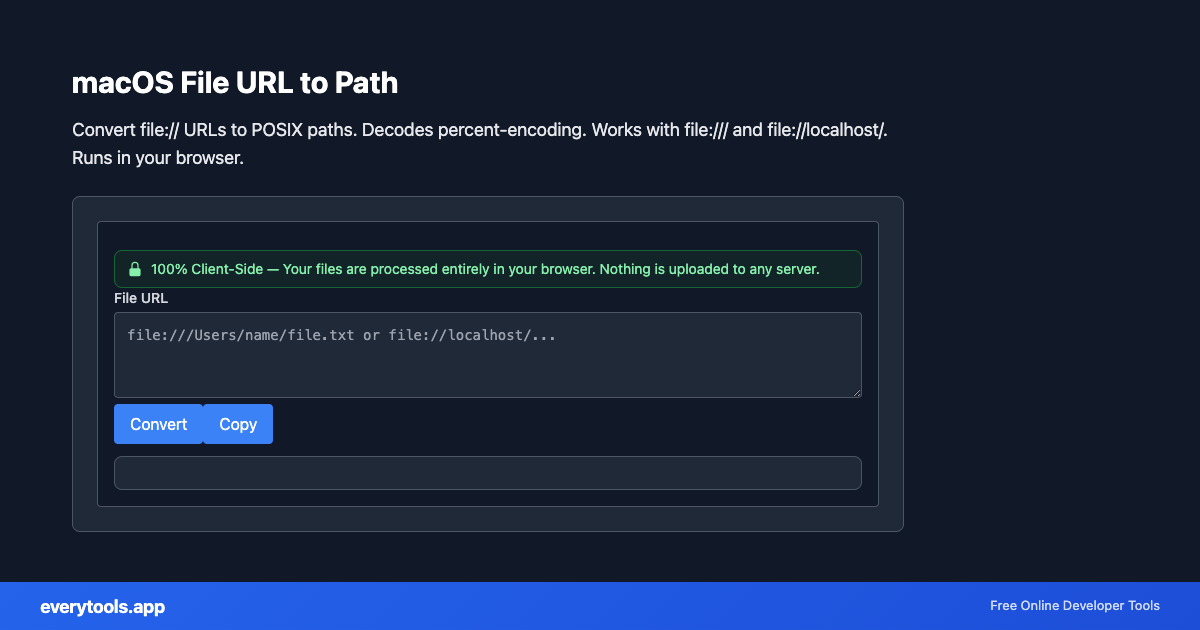
Convert file:// URLs to POSIX paths. Decodes percent-encoding. Works with file:/// and file://localhost/. Runs in your browser.
主な特徴とプライバシー保証
- ✓ 100%ブラウザ内完結: データは端末外に出ず、外部サーバーに送信されることはありません。
- ✓ リアルタイム高速出力: ネットワーク遅延ゼロ、入力と同時に即時反映・高速コピー。
- ✓ 永久無料&制限なし: 会員登録不要、課金なし、1日の利用制限も一切ありません。
- ✓ 標準規格準拠: RFC、ISO、W3Cウェブ標準仕様に厳密に準拠して設計されています。
Free Online macOS File URL to Path
The macOS File URL to Path is a high-speed, privacy-first web utility in the macOS Tools suite designed to convert file:// urls to posix paths. decodes percent-encoding. works with file:/// and file://localhost/. runs in your browser directly in your browser without requiring software installations, browser extensions, or account registrations.
技術仕様とアーキテクチャ
- Technical Standard:
- RFC 3986 (Uniform Resource Identifier Generic Syntax)
- Execution Environment:
- 100% Client-Side Browser Sandbox
- Data Privacy:
- Zero Server Storage / No Tracking
- Processing Speed:
- Real-time local CPU execution
- Cross-Platform:
- Works on Windows, macOS, Linux, iOS & Android
Local Processing for macOS Tools
This tool runs within your browser sandbox using modern Web APIs. Inputs are processed on your local device CPU, avoiding network latency and ensuring your data is never stored on external servers or accessible to third parties.
Provide Input
Enter, paste, or upload your data into the input field above.
Configure & Process
The tool immediately processes your input in real time according to your chosen settings.
Copy or Save
Use the Copy button to copy the output to your clipboard, or download the result to your device.
関連のおすすめツール
連携ツール・次のステップ
macOS File URL to Pathと合わせてよく使われる便利な開発者ユーティリティ
URL Slug Generator
Convert text to URL-friendly slugs. Create SEO-friendly URLs from titles.
URL Decoder
Decode URL-encoded strings. Convert percent-encoded text to readable form.
URL Encoder
Encode text for URLs. Convert special characters to percent-encoding.
その他 macOS用ツール
Plist XML Formatter
Format and beautify Apple plist XML. Validates structure in your browser. For Info.plist, entitlements, and Xcode configs. 100% client-side.
macOS Filename Sanitizer
Remove slash, null bytes, and colons from file names for Finder-safe names. One name per line. Client-side only.
AppleScript String Escape
Escape text for use inside AppleScript double-quoted strings. Backslash and quote rules. Copy-paste safe for Script Editor.
Bundle ID Validator
Validate and normalize reverse-DNS bundle identifiers (com.example.app). Lowercase segments for CFBundleIdentifier. Runs in browser.
よくある質問
- Why does my path show %20?
- Paste the full file URL; the tool decodes percent-encoding so spaces become normal path characters.
- Need LF line endings for scripts?
- Use the Line Ending Converter in Windows Tools to normalize CRLF to LF.