Plist XML Formatter
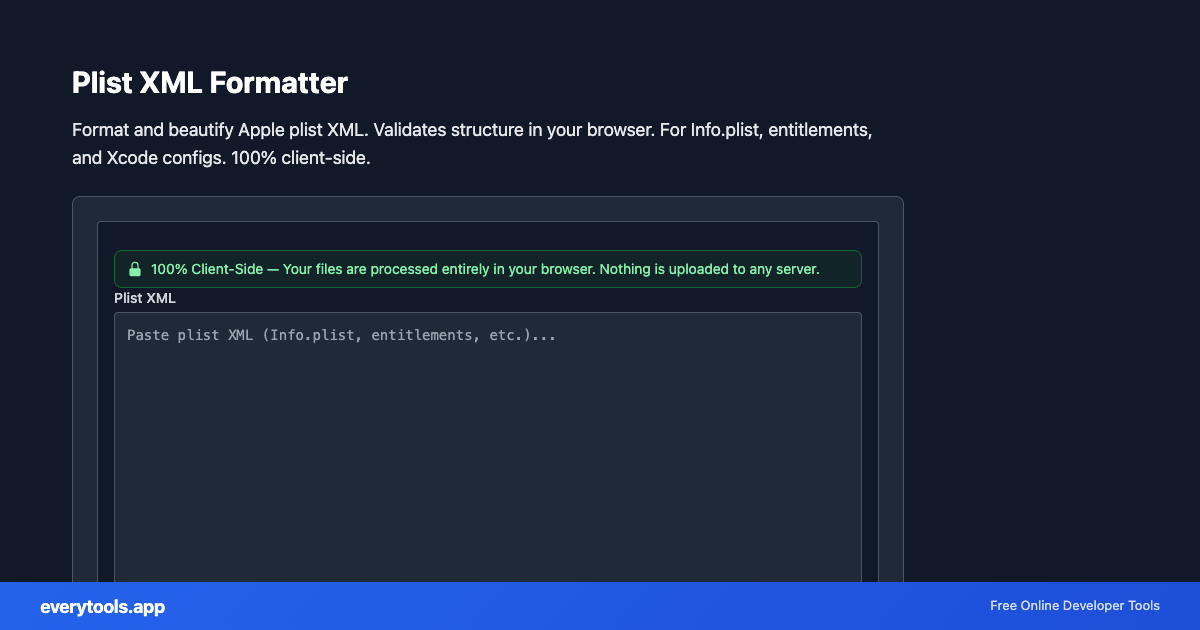
Format and beautify Apple plist XML. Validates structure in your browser. For Info.plist, entitlements, and Xcode configs. 100% client-side.
Free Online Plist XML Formatter
The Plist XML Formatter is a high-speed, privacy-first web utility in the macOS Tools suite designed to format and beautify apple plist xml. validates structure in your browser. for info.plist, entitlements, and xcode configs. 100% client-side directly in your browser without requiring software installations, browser extensions, or account registrations.
Technical Specifications & Architecture
- Technical Standard:
- W3C Extensible Markup Language (XML) 1.0 Specification
- Execution Environment:
- 100% Client-Side Browser Sandbox
- Data Privacy:
- Zero Server Storage / No Tracking
- Processing Speed:
- Real-time local CPU execution
- Cross-Platform:
- Works on Windows, macOS, Linux, iOS & Android
Local Processing for macOS Tools
This tool runs within your browser sandbox using modern Web APIs. Inputs are processed on your local device CPU, avoiding network latency and ensuring your data is never stored on external servers or accessible to third parties.
Provide Input
Enter, paste, or upload your data into the input field above.
Configure & Process
The tool immediately processes your input in real time according to your chosen settings.
Copy or Save
Use the Copy button to copy the output to your clipboard, or download the result to your device.
You might also like
Connected Tools & Next Steps
Recommended developer utilities frequently used before or after Plist XML Formatter
Other macOS Tools
macOS File URL to Path
Convert file:// URLs to POSIX paths. Decodes percent-encoding. Works with file:/// and file://localhost/. Runs in your browser.
macOS Filename Sanitizer
Remove slash, null bytes, and colons from file names for Finder-safe names. One name per line. Client-side only.
AppleScript String Escape
Escape text for use inside AppleScript double-quoted strings. Backslash and quote rules. Copy-paste safe for Script Editor.
Bundle ID Validator
Validate and normalize reverse-DNS bundle identifiers (com.example.app). Lowercase segments for CFBundleIdentifier. Runs in browser.
Frequently Asked Questions
- What is a plist file?
- A plist (property list) stores structured data on Apple platforms. XML plists are readable text with tags like dict, key, string, array. Common files include Info.plist and .entitlements.
- Will this change my keys or values?
- The tool only reformats whitespace and indentation. It does not rename keys or alter string values except normalizing XML escaping in the serialized output.
- Is my plist uploaded?
- No. Parsing and formatting happen entirely in your browser.