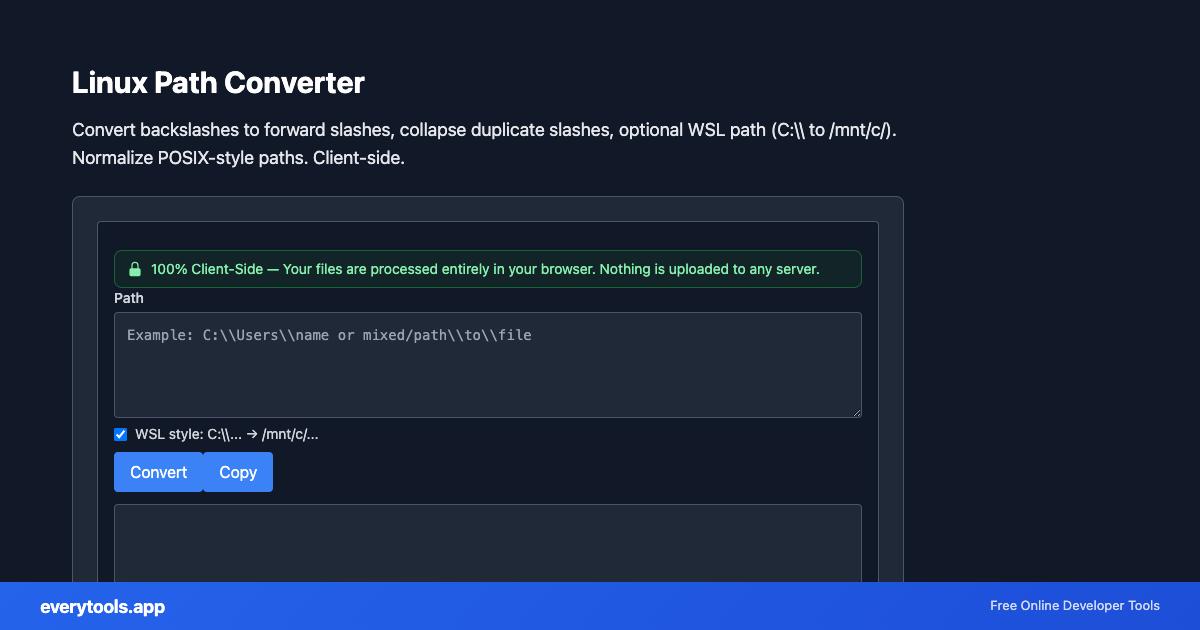
Linux Path Converter
Convert backslashes to forward slashes, collapse duplicate slashes, optional WSL path (C:\\ to /mnt/c/). Normalize POSIX-style paths. Client-side.
Free Online Linux Path Converter
The Linux Path Converter is a high-speed, privacy-first web utility in the Linux Tools suite designed to convert backslashes to forward slashes, collapse duplicate slashes, optional wsl path (c:\\ to /mnt/c/). normalize posix-style paths. client-side directly in your browser without requiring software installations, browser extensions, or account registrations.
Technical Specifications & Architecture
- Execution Environment:
- 100% Client-Side Browser Sandbox
- Data Privacy:
- Zero Server Storage / No Tracking
- Processing Speed:
- Real-time local CPU execution
- Cross-Platform:
- Works on Windows, macOS, Linux, iOS & Android
Local Processing for Linux Tools
This tool runs within your browser sandbox using modern Web APIs. Inputs are processed on your local device CPU, avoiding network latency and ensuring your data is never stored on external servers or accessible to third parties.
Provide Input
Enter, paste, or upload your data into the input field above.
Configure & Process
The tool immediately processes your input in real time according to your chosen settings.
Copy or Save
Use the Copy button to copy the output to your clipboard, or download the result to your device.
You might also like
Connected Tools & Next Steps
Recommended developer utilities frequently used before or after Linux Path Converter
Unix Permissions Calculator
Convert chmod octal (e.g. 755, 0644) to symbolic notation (rwxr-xr-x) and back. Classic rwx triplets. Runs in your browser.
Linux Filename Sanitizer
Remove slash and null bytes from file names (POSIX rules). One name per line. Safe for shell scripts and configs.
Desktop Entry Formatter
Format and prettify .desktop files (FreeDesktop). Group sections, indent keys. Comments preserved. 100% client-side.
Other Linux Tools
Unix Permissions Calculator
Convert chmod octal (e.g. 755, 0644) to symbolic notation (rwxr-xr-x) and back. Classic rwx triplets. Runs in your browser.
Linux Filename Sanitizer
Remove slash and null bytes from file names (POSIX rules). One name per line. Safe for shell scripts and configs.
Desktop Entry Formatter
Format and prettify .desktop files (FreeDesktop). Group sections, indent keys. Comments preserved. 100% client-side.
Bash Single-Quote Escape
Escape text for use inside bash single-quoted strings. Uses the usual quote-break pattern for apostrophes. Copy-paste safe for shell scripts.
Frequently Asked Questions
- How do I convert C:\\Users to WSL?
- Enable WSL style in the tool. It maps a drive letter like C: to /mnt/c/ and converts backslashes to forward slashes, matching common WSL mount paths.
- Need LF-only line endings for scripts?
- Use our Line Ending Converter under Windows Tools to convert CRLF to LF for shell scripts.