Format and beautify SQL queries online
Indents SQL clauses, standardizes keyword capitalization (UPPERCASE), and formats nested subqueries for PostgreSQL, MySQL, SQL Server, and SQLite.
Technical Specifications & Architecture
- Technical Standard:
- ANSI/ISO/IEC 9075 SQL Standard
- Execution Environment:
- 100% Client-Side Browser Sandbox
- Data Privacy:
- Zero Server Storage / No Tracking
- Processing Speed:
- Real-time local CPU execution
- Cross-Platform:
- Works on Windows, macOS, Linux, iOS & Android
Code Beautification & Indentation Mechanics
The formatter tokenizes your source code into keywords, operators, strings, comments, and blocks. It normalizes indentation depth, enforces consistent spacing around operators, aligns nested braces and brackets, and wraps long expressions to conform with standard language style guides. This eliminates formatting inconsistencies, simplifies team pull requests, and highlights syntax errors before execution.
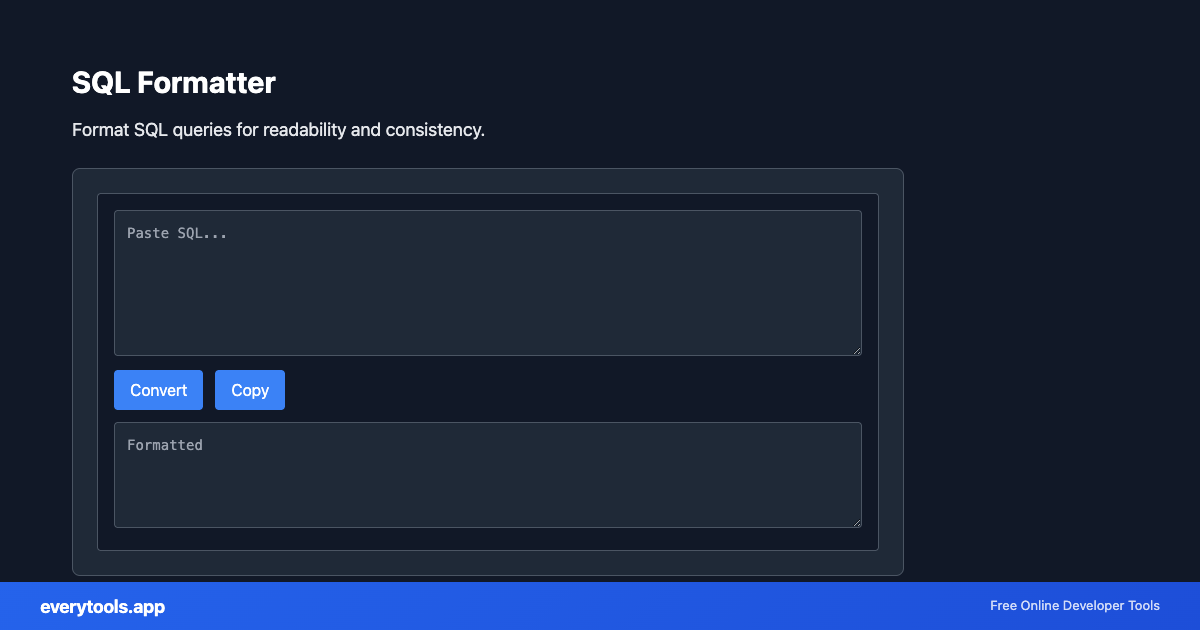
Provide Input
Enter, paste, or upload your data into the input field above.
Configure & Process
The tool immediately processes your input in real time according to your chosen settings.
Copy or Save
Use the Copy button to copy the output to your clipboard, or download the result to your device.
Technical Reference & Standards
SQL Keyword Capitalization & Readability Conventions
Standardizing SQL keywords (SELECT, FROM, WHERE, JOIN, GROUP BY, ORDER BY, HAVING) to UPPERCASE while maintaining table and column identifiers in lowercase or snake_case dramatically clarifies relational query structure. It visually separates query operations from database schema entities.
Formatting Complex Joins, CTEs & Subqueries
Complex analytical queries with Common Table Expressions (WITH clauses), multiple LEFT JOINs, and CASE WHEN logic are error-prone when squashed into dense strings. The formatter introduces consistent soft indentation, breaks SELECT lists onto separate lines, and aligns boolean operators (AND, OR) for effortless code review.
Common Use Cases
- Beautify complex SQL queries with nested joins, subqueries, and CASE statements
- Standardize SQL keywords to UPPERCASE for consistent team code review
- Format SQL dumps and ORM-generated queries for debugging database performance
- Clean up SQL statements for documentation, tutorials, and reporting
You might also like
Connected Tools & Next Steps
Recommended developer utilities frequently used before or after SQL Formatter
Excel To SQL Insert
Convert Excel rows to SQL INSERT statements in your browser. 100% client-side — your data never leaves your device.
SQL to JSON
Convert SQL INSERT and CREATE statements into structured JSON arrays and schema objects.
JSON to SQL Insert
Convert JSON arrays and objects into formatted SQL INSERT statements with customizable table names.
Other Formatters Tools
JavaScript Formatter
Format and beautify JavaScript code with proper indentation.
HTML Formatter
Format HTML with consistent indentation and line breaks.
CSS Formatter
Format CSS for better readability and maintainability.
PHP Formatter
Format PHP code with proper styling and indentation.
Ruby Formatter
Format Ruby code for consistency and readability.
JSON Formatter
Format and validate JSON with syntax highlighting.
JSON-LD Formatter
Format and validate JSON-LD structured data. Add @context, escape for script tags, SEO schema.
Pug Formatter
Format Pug (Jade) template code.
Frequently Asked Questions
- How to format SQL online?
- Paste your SQL query in the tool. It will indent keywords, align clauses, and add line breaks. Copy the formatted query for your database or documentation.
- Which SQL dialects are supported?
- The formatter handles standard SQL and common dialects. Works well with MySQL, PostgreSQL, and SQL Server syntax.