核心特性与隐私安全保证
- ✓ 100% 浏览器本地运行:您的输入数据绝不离开本地设备,不会上传至任何远程服务器。
- ✓ 实时无延迟输出:零网络等待时间,随打随算,毫秒级快速剪贴板复制。
- ✓ 永久完全免费无限制:无需注册登录,没有付费门槛,没有每日使用频率限制。
- ✓ 严格遵循国际标准:基于 RFC、ISO 及 W3C 官方网络协议规范构建。
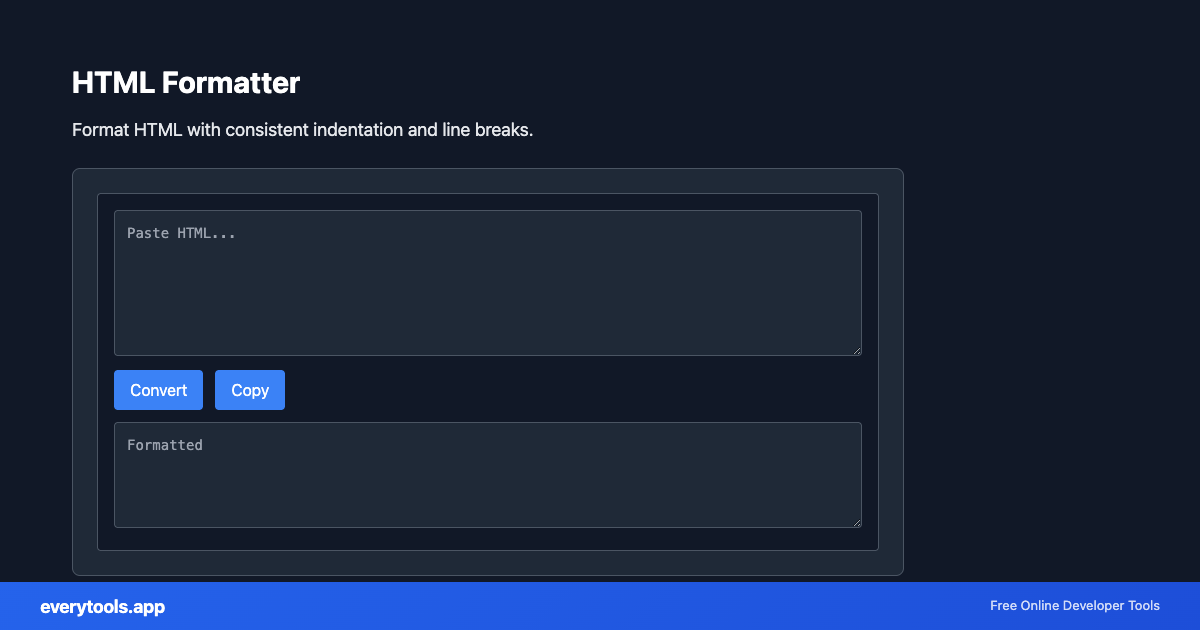
Format and beautify HTML5 code online
Indents nested HTML elements, formats inline styles and scripts, and eliminates messy whitespace for clean, readable markup.
技术规格与架构设计
- Technical Standard:
- W3C HTML5 Recommendation & WHATWG Living Standard
- Execution Environment:
- 100% Client-Side Browser Sandbox
- Data Privacy:
- Zero Server Storage / No Tracking
- Processing Speed:
- Real-time local CPU execution
- Cross-Platform:
- Works on Windows, macOS, Linux, iOS & Android
Code Beautification & Indentation Mechanics
The formatter tokenizes your source code into keywords, operators, strings, comments, and blocks. It normalizes indentation depth, enforces consistent spacing around operators, aligns nested braces and brackets, and wraps long expressions to conform with standard language style guides. This eliminates formatting inconsistencies, simplifies team pull requests, and highlights syntax errors before execution.
Provide Input
Enter, paste, or upload your data into the input field above.
Configure & Process
The tool immediately processes your input in real time according to your chosen settings.
Copy or Save
Use the Copy button to copy the output to your clipboard, or download the result to your device.
技术参考与执行标准
HTML5 Semantic Nesting & Indentation Rules
Clean markup requires consistent tag hierarchy indentation. The formatter indents child tags within container elements (<header>, <nav>, <main>, <section>, <div>) by 2 or 4 spaces, handles self-closing tags (<img />, <input />, <meta />), preserves whitespace within <pre> and <code> blocks, and wraps long attribute lists for readability.
Debugging Minified CMS & Email Templates
CMS exports, marketing email templates, and production bundlers frequently produce unindented, minified HTML. Formatting raw templates in-browser makes it easy to spot unclosed tags, broken DOM structures, missing ARIA accessibility attributes, and malformed Open Graph meta tags.
常见应用场景
- Clean up minified HTML from email templates and CMS output
- Format HTML snippets before pasting into documentation or code reviews
- Debug DOM structure by formatting page source with proper indentation
- Prepare HTML for diff comparison between template versions
关联工具与工作流推荐
在配合 HTML Formatter 使用时最受欢迎的上下游实用开发辅助工具
其他 代码格式化 (Formatters)
JavaScript Formatter
Format and beautify JavaScript code with proper indentation.
CSS Formatter
Format CSS for better readability and maintainability.
PHP Formatter
Format PHP code with proper styling and indentation.
Ruby Formatter
Format Ruby code for consistency and readability.
JSON Formatter
Format and validate JSON with syntax highlighting.
JSON-LD Formatter
Format and validate JSON-LD structured data. Add @context, escape for script tags, SEO schema.
Pug Formatter
Format Pug (Jade) template code.
Kotlin Formatter
Format Kotlin code with proper indentation.
常见问题
- How to format HTML?
- Paste your HTML in the tool above. It adds proper indentation and line breaks for readability. Works with HTML5, inline CSS, and scripts. Click Copy to use the result.
- Why format HTML code?
- Formatted HTML is easier to read, debug, and maintain. Consistent indentation helps you spot nesting errors and makes collaboration simpler.
- HTML formatter vs minifier?
- A formatter makes HTML readable by adding whitespace. A minifier does the opposite—removes whitespace to reduce file size. Use a formatter for development and a minifier for production.