JSON to Mongoose Schema Converter
JSON to Mongoose Schema ile verilerinizi tarayıcınızda anında dönüştürün. Kurulum veya üyelik gerektirmez.
Temel Özellikler & Gizlilik Güvencesi
- ✓ %100 Tarayıcıda Çalışma: Verileriniz asla cihazınızdan ayrılmaz veya uzak sunuculara iletilmez.
- ✓ Gerçek Zamanlı Anlık Çıktı: Sıfır ağ gecikmesi, siz yazarken anında hesaplama ve hızlı kopyalama.
- ✓ Sonsuza Dek Ücretsiz & Sınırsız: Hesap oluşturma yok, ödeme duvarı yok ve günlük kullanım sınırı yok.
- ✓ Standartlarla Uyumlu: RFC, ISO ve W3C web standartlarına sıkı sıkıya bağlı olarak geliştirildi.
Convert JSON documents to MongoDB Mongoose schemas
Instantly generate production-ready Mongoose Schema and Model definitions in JavaScript or TypeScript directly from sample JSON documents or API responses.
Teknik Özellikler & Mimari
- Teknik Standart:
- RFC 8259 (The JavaScript Object Notation Data Interchange Format)
- Çalışma Ortamı:
- %100 İstemci Taraflı Tarayıcı Belleği
- Veri Gizliliği:
- Sıfır Sunucu Kaydı / Sıfır Takip
- İşlem Hızı:
- Yerel CPU ile Gerçek Zamanlı
- Çoklu Platform:
- Windows, macOS, Linux, iOS ve Android uyumlu
İstemci Taraflı Veri Dönüştürme Nasıl Çalışır
Veri dönüştürme, ham metni kaynak sözdiziminden alarak hedef şema veya biçime dönüştürür. Girdi önce ayrıştırılır, veri tipleri normalize edilir, iç içe yapılar çözülür ve çıktı sunucuya yüklenmeden doğrudan tarayıcınızda üretilir.
Girdi Sağlayın
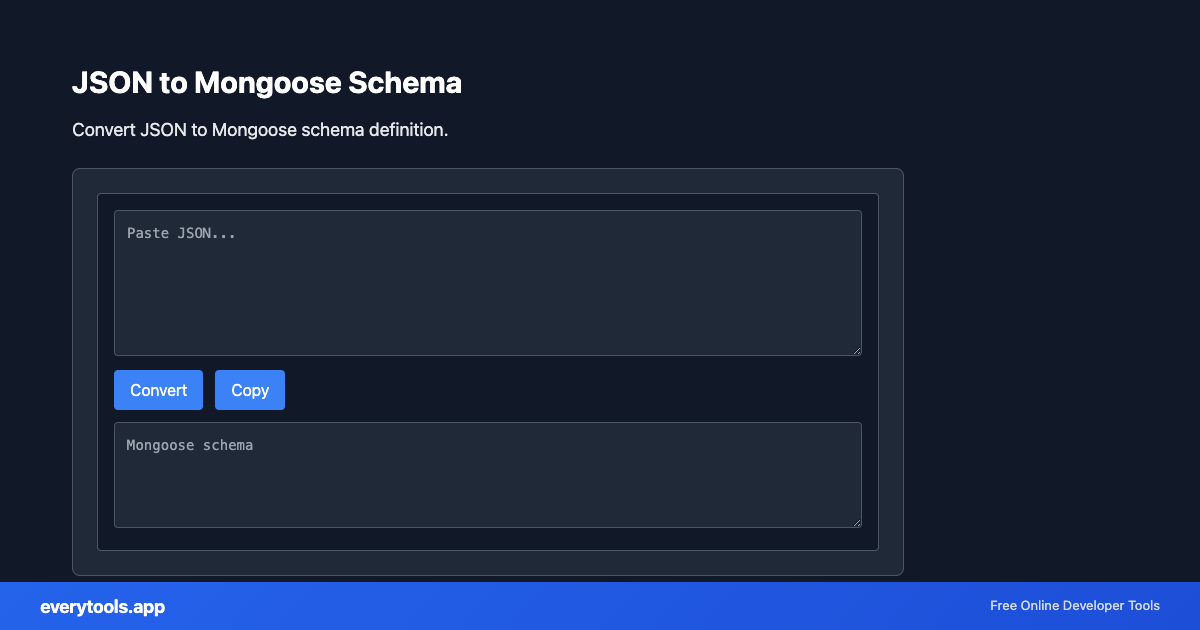
Yukarıdaki giriş alanına verinizi yazın, yapıştırın veya yükleyin.
Yapılandırın ve İşleyin
Araç, seçtiğiniz ayarlara göre girdinizi gerçek zamanlı olarak anında işler.
Kopyalayın veya Kaydedin
Sonucu panoya kopyalamak için Kopyala düğmesini kullanın veya çıktıyı cihazınıza indirin.
Teknik Referans & Standartlar
Intelligent Type Inference & Sub-Schema Generation
The converter parses JSON keys and values to map standard JavaScript data types into Mongoose Schema types: String, Number, Boolean, Date (detecting ISO 8601 strings), and mongoose.Schema.Types.ObjectId (detecting 24-char MongoDB hex hashes). Deeply nested JSON objects are automatically split into embedded Mongoose sub-schemas for clean architecture.
Production-Ready Mongoose Models with Timestamps & Strict Mode
Generated code includes modern Mongoose options such as { timestamps: true }, required field validations, and export boilerplate (both ES6 export and CommonJS module.exports). This accelerates Node.js, Express, and NestJS application development by eliminating manual schema typing from API sample responses.
Yaygın Kullanım Senaryoları
- Bootstrap MongoDB models quickly from third-party REST API JSON responses
- Migrate existing JSON collections or fixtures into structured Mongoose schemas
- Generate Node.js Express/NestJS database models with strict type safety
- Create embedded sub-document schemas for complex NoSQL data architectures
Bunlar da ilginizi çekebilir
Bağlantılı Araçlar & Sonraki Adımlar
JSON to Mongoose Schema öncesinde veya sonrasında sıkça kullanılan yardımcı geliştirici araçları
JSON Validator
Validate JSON syntax. Find and fix JSON errors.
JSON Formatter
Format and validate JSON with syntax highlighting.
JSON to YAML
Convert JSON to YAML format. Transform data between formats.
Diğer Dönüştürücüler
JSON - CSV Dönüştürücü
JSON verilerini Excel ve elektronik tablolarla uyumlu CSV formatına dönüştürün ve indirin.
CSV - JSON Dönüştürücü
Virgülle ayrılmış CSV tablolarını yapılandırılmış JSON nesne dizilerine çevirin.
JSON - YAML Dönüştürücü
JSON verilerini kolay okunur YAML konfigürasyon formatına anında dönüştürün.
Büyük / Küçük Harf (Case) Dönüştürücü
Metinlerinizi BÜYÜK HARF, küçük harf, Başlık Düzeni, camelCase veya snake_case formatlarına dönüştürün.
Base64 to Image
Base64 to Image ile verilerinizi tarayıcınızda anında dönüştürün. Kurulum veya üyelik gerektirmez.
Image to Base64
Image to Base64 ile verilerinizi tarayıcınızda anında dönüştürün. Kurulum veya üyelik gerektirmez.
HTML to Text
HTML to Text ile verilerinizi tarayıcınızda anında dönüştürün. Kurulum veya üyelik gerektirmez.
Pug to HTML
Pug to HTML ile verilerinizi tarayıcınızda anında dönüştürün. Kurulum veya üyelik gerektirmez.
Sıkça Sorulan Sorular
- How does JSON to Mongoose Schema conversion work?
- The tool parses your sample JSON document and analyzes every key-value pair to infer the corresponding Mongoose Schema types: String, Number, Boolean, Date, Array, or nested Sub-Schemas.
- Does it support nested objects and arrays of documents?
- Yes. Nested objects are converted into embedded Mongoose sub-schemas, and arrays of objects are mapped to array schemas with structured sub-document definitions.
- How does it handle MongoDB ObjectIds and Dates?
- 24-character hexadecimal strings and ISO-8601 date strings are detected and mapped to mongoose.Schema.Types.ObjectId and Date types respectively.
- Can I customize required fields or timestamps?
- Yes, you can configure generated schema options such as timestamps, required flags, and export syntax.