Características Principales y Garantía de Privacidad
- ✓ Ejecución 100% en el Navegador: Tus datos nunca salen de tu dispositivo ni tocan servidores remotos.
- ✓ Salida Instantánea en Tiempo Real: Cero latencia de red, evaluación al teclear y copiado rápido.
- ✓ Gratis e Ilimitado para Siempre: Sin registro, sin barreras de pago ni límites diarios.
- ✓ Cumplimiento de Estándares: Desarrollado según especificaciones web RFC, ISO y W3C.
Convert JSON documents to MongoDB Mongoose schemas
Instantly generate production-ready Mongoose Schema and Model definitions in JavaScript or TypeScript directly from sample JSON documents or API responses.
Especificaciones Técnicas y Arquitectura
- Technical Standard:
- RFC 8259 (The JavaScript Object Notation Data Interchange Format)
- Execution Environment:
- 100% Client-Side Browser Sandbox
- Data Privacy:
- Zero Server Storage / No Tracking
- Processing Speed:
- Real-time local CPU execution
- Cross-Platform:
- Works on Windows, macOS, Linux, iOS & Android
How Client-Side Data Conversion Works
Data conversion takes raw text in a source syntax and transforms it into a target schema or format. The input is first parsed into an abstract syntax tree (AST) or typed in-memory objects. The converter normalizes data types, resolves nested structures, escapes special characters according to target specifications, and serializes the result into the destination format—all executed in real time inside your browser memory without server uploads.
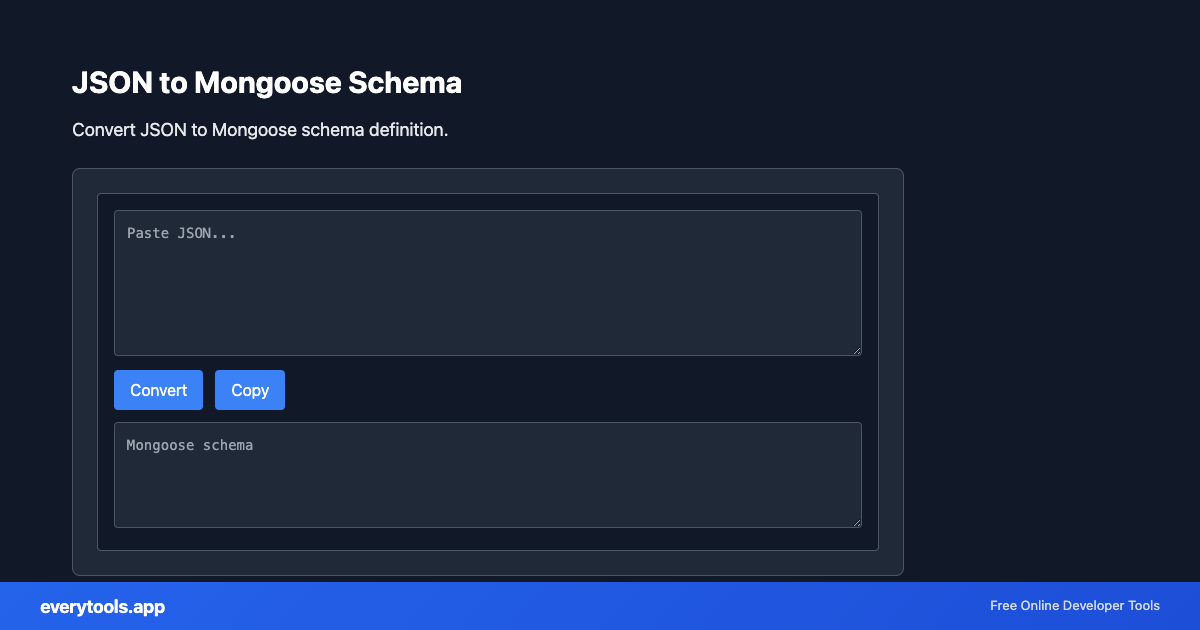
Provide Input
Enter, paste, or upload your data into the input field above.
Configure & Process
The tool immediately processes your input in real time according to your chosen settings.
Copy or Save
Use the Copy button to copy the output to your clipboard, or download the result to your device.
Referencia Técnica y Estándares
Intelligent Type Inference & Sub-Schema Generation
The converter parses JSON keys and values to map standard JavaScript data types into Mongoose Schema types: String, Number, Boolean, Date (detecting ISO 8601 strings), and mongoose.Schema.Types.ObjectId (detecting 24-char MongoDB hex hashes). Deeply nested JSON objects are automatically split into embedded Mongoose sub-schemas for clean architecture.
Production-Ready Mongoose Models with Timestamps & Strict Mode
Generated code includes modern Mongoose options such as { timestamps: true }, required field validations, and export boilerplate (both ES6 export and CommonJS module.exports). This accelerates Node.js, Express, and NestJS application development by eliminating manual schema typing from API sample responses.
Casos de Uso Comunes
- Bootstrap MongoDB models quickly from third-party REST API JSON responses
- Migrate existing JSON collections or fixtures into structured Mongoose schemas
- Generate Node.js Express/NestJS database models with strict type safety
- Create embedded sub-document schemas for complex NoSQL data architectures
También te podría interesar
Herramientas Relacionadas y Siguientes Pasos
Utilidades de desarrollo recomendadas usadas con frecuencia junto a JSON to Mongoose Schema
JSON Validator
Validate JSON syntax. Find and fix JSON errors.
JSON Formatter
Format and validate JSON with syntax highlighting.
JSON to YAML
Convert JSON to YAML format. Transform data between formats.
Otras Conversores
JSON to CSV
Convert JSON data to CSV format. Export JSON to spreadsheet-friendly format.
CSV to JSON
Convert CSV to JSON. Parse comma-separated values into structured data.
JSON to YAML
Convert JSON to YAML format. Transform data between formats.
Case Converter
Convert text between camelCase, snake_case, kebab-case, and more.
Base64 to Image
Convert Base64 encoded strings to images. Decode and display images.
Image to Base64
Convert images to Base64 encoding. Embed images in HTML or JSON.
HTML to Text
Convert HTML to plain text. Extract readable content from HTML.
Pug to HTML
Convert Pug (Jade) templates to HTML.
Preguntas frecuentes
- How does JSON to Mongoose Schema conversion work?
- The tool parses your sample JSON document and analyzes every key-value pair to infer the corresponding Mongoose Schema types: String, Number, Boolean, Date, Array, or nested Sub-Schemas.
- Does it support nested objects and arrays of documents?
- Yes. Nested objects are converted into embedded Mongoose sub-schemas, and arrays of objects are mapped to array schemas with structured sub-document definitions.
- How does it handle MongoDB ObjectIds and Dates?
- 24-character hexadecimal strings and ISO-8601 date strings are detected and mapped to mongoose.Schema.Types.ObjectId and Date types respectively.
- Can I customize required fields or timestamps?
- Yes, you can configure generated schema options such as timestamps, required flags, and export syntax.