核心特性与隐私安全保证
- ✓ 100% 浏览器本地运行:您的输入数据绝不离开本地设备,不会上传至任何远程服务器。
- ✓ 实时无延迟输出:零网络等待时间,随打随算,毫秒级快速剪贴板复制。
- ✓ 永久完全免费无限制:无需注册登录,没有付费门槛,没有每日使用频率限制。
- ✓ 严格遵循国际标准:基于 RFC、ISO 及 W3C 官方网络协议规范构建。
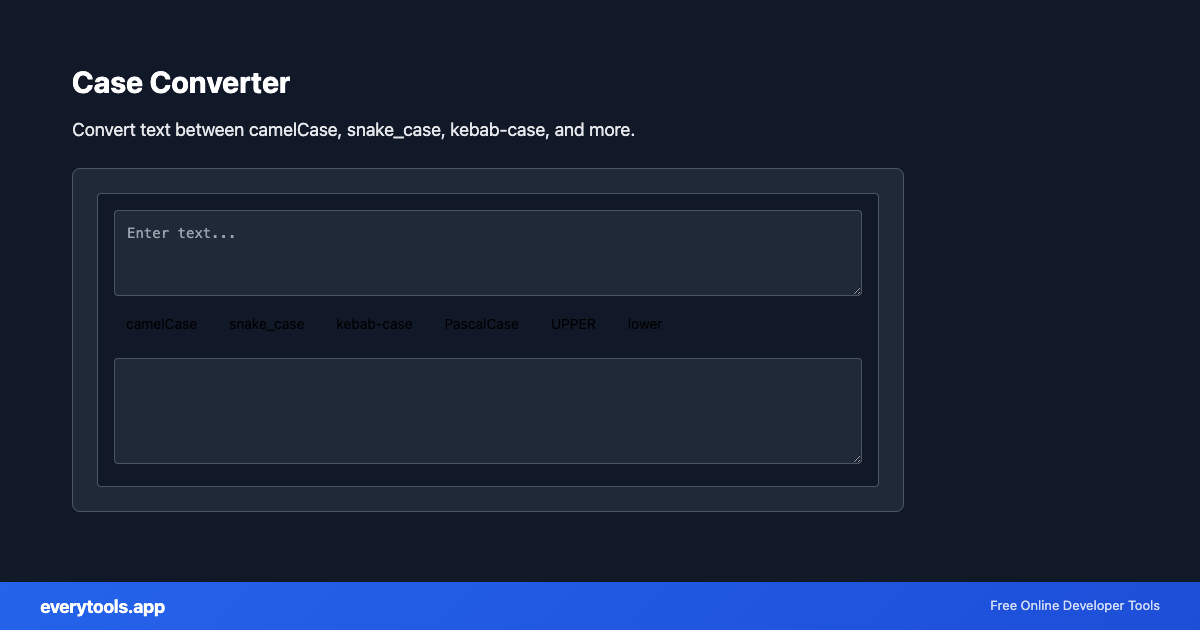
Convert text case for code and content
Switch between ALL CAPS, Title Case, camelCase, snake_case, and more. Developers and editors share searches like “case converter online”—show examples for each option to avoid duplicate mini-pages per case type.
技术规格与架构设计
- Execution Environment:
- 100% Client-Side Browser Sandbox
- Data Privacy:
- Zero Server Storage / No Tracking
- Processing Speed:
- Real-time local CPU execution
- Cross-Platform:
- Works on Windows, macOS, Linux, iOS & Android
How Client-Side Data Conversion Works
Data conversion takes raw text in a source syntax and transforms it into a target schema or format. The input is first parsed into an abstract syntax tree (AST) or typed in-memory objects. The converter normalizes data types, resolves nested structures, escapes special characters according to target specifications, and serializes the result into the destination format—all executed in real time inside your browser memory without server uploads.
Provide Input
Enter, paste, or upload your data into the input field above.
Configure & Process
The tool immediately processes your input in real time according to your chosen settings.
Copy or Save
Use the Copy button to copy the output to your clipboard, or download the result to your device.
常见应用场景
- Normalize constants and env vars across repos
- Prepare CSV column names for databases
- Fix accidental caps lock paragraphs quickly
- Bridge design copy into code-friendly identifiers
您可能还喜欢
关联工具与工作流推荐
在配合 Case Converter 使用时最受欢迎的上下游实用开发辅助工具
JSON to CSV
Convert JSON data to CSV format. Export JSON to spreadsheet-friendly format.
CSV to JSON
Convert CSV to JSON. Parse comma-separated values into structured data.
JSON to YAML
Convert JSON to YAML format. Transform data between formats.
其他 数据转换器
JSON to CSV
Convert JSON data to CSV format. Export JSON to spreadsheet-friendly format.
CSV to JSON
Convert CSV to JSON. Parse comma-separated values into structured data.
JSON to YAML
Convert JSON to YAML format. Transform data between formats.
Base64 to Image
Convert Base64 encoded strings to images. Decode and display images.
Image to Base64
Convert images to Base64 encoding. Embed images in HTML or JSON.
HTML to Text
Convert HTML to plain text. Extract readable content from HTML.
Pug to HTML
Convert Pug (Jade) templates to HTML.
YAML to JSON
Convert YAML to JSON format.
常见问题
- Will camelCase split words correctly?
- Heuristics vary for punctuation and acronyms. Always spot-check output before pasting into production identifiers.
- Case vs slugify?
- Slugs remove unsafe characters and often lowercase with hyphens. Use the URL slug generator when producing path segments, not just case changes.