Recursos Principais e Garantia de Privacidade
- ✓ Execução 100% no Navegador: Seus dados nunca saem do seu dispositivo nem tocam servidores remotos.
- ✓ Saída Instantânea em Tempo Real: Zero latência de rede, cálculo ao digitar e cópia rápida.
- ✓ Gratuito e Ilimitado para Sempre: Sem cadastro, sem planos pagos e sem limites de uso.
- ✓ Em Conformidade com Padrões: Construído estritamente segundo padrões web RFC, ISO e W3C.
Free Online Base64 to Image
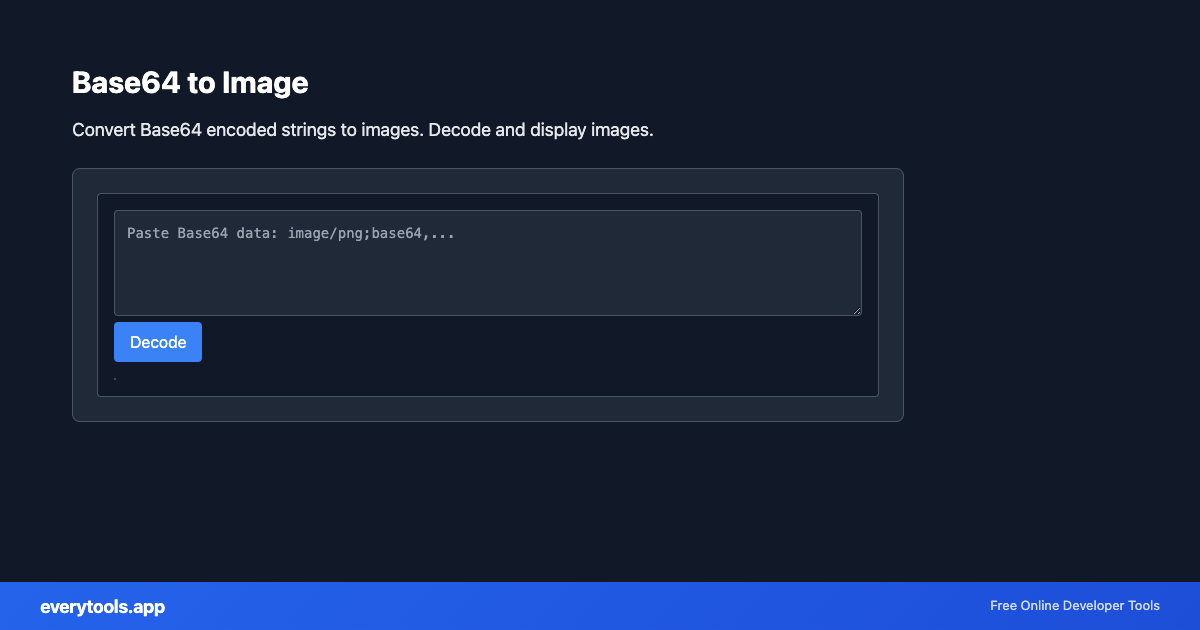
The Base64 to Image is a high-speed, privacy-first web utility in the Converters suite designed to convert base64 encoded strings to images. decode and display images directly in your browser without requiring software installations, browser extensions, or account registrations.
Especificações Técnicas e Arquitetura
- Technical Standard:
- RFC 4648 (The Base16, Base32, and Base64 Data Encodings)
- Execution Environment:
- 100% Client-Side Browser Sandbox
- Data Privacy:
- Zero Server Storage / No Tracking
- Processing Speed:
- Real-time local CPU execution
- Cross-Platform:
- Works on Windows, macOS, Linux, iOS & Android
How Client-Side Data Conversion Works
Data conversion takes raw text in a source syntax and transforms it into a target schema or format. The input is first parsed into an abstract syntax tree (AST) or typed in-memory objects. The converter normalizes data types, resolves nested structures, escapes special characters according to target specifications, and serializes the result into the destination format—all executed in real time inside your browser memory without server uploads.
Provide Input
Enter, paste, or upload your data into the input field above.
Configure & Process
The tool immediately processes your input in real time according to your chosen settings.
Copy or Save
Use the Copy button to copy the output to your clipboard, or download the result to your device.
Ferramentas Conectadas e Próximos Passos
Utilitários recomendados frequentemente utilizados com Base64 to Image
Base64 Encoder
Encode text or binary to Base64.
Base64 Decoder
Decode Base64 encoded strings.
Image Average Color
Get the dominant or average color from an image.
Outras Conversores
JSON to CSV
Convert JSON data to CSV format. Export JSON to spreadsheet-friendly format.
CSV to JSON
Convert CSV to JSON. Parse comma-separated values into structured data.
JSON to YAML
Convert JSON to YAML format. Transform data between formats.
Case Converter
Convert text between camelCase, snake_case, kebab-case, and more.
Image to Base64
Convert images to Base64 encoding. Embed images in HTML or JSON.
HTML to Text
Convert HTML to plain text. Extract readable content from HTML.
Pug to HTML
Convert Pug (Jade) templates to HTML.
YAML to JSON
Convert YAML to JSON format.