Base64 decode online
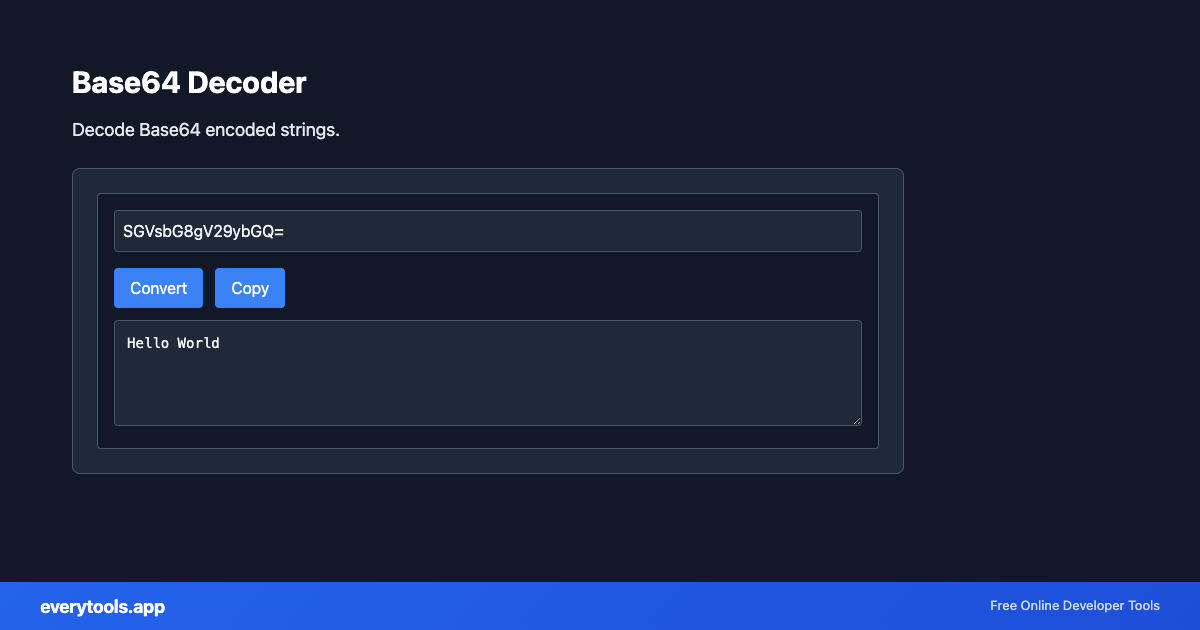
Paste a Base64 string and recover the original text or raw bytes for inspection. This addresses the same intent as “base64 decode” and “Base64 decode online” without creating a separate thin URL for each synonym.
Technical Specifications & Architecture
- Technical Standard:
- RFC 4648 (The Base16, Base32, and Base64 Data Encodings)
- Execution Environment:
- 100% Client-Side Browser Sandbox
- Data Privacy:
- Zero Server Storage / No Tracking
- Processing Speed:
- Real-time local CPU execution
- Cross-Platform:
- Works on Windows, macOS, Linux, iOS & Android
Character Set & Binary Radix Transformation
Encoders and decoders map binary byte sequences or text characters to alternative radix representations (such as Base64, Base62, Hexadecimal, or URL Percent-Encoding). Decoding performs the inverse mathematical mapping to restore the original plain text or binary buffer. Because processing occurs entirely within local browser memory, API keys, sensitive tokens, and session credentials never leave your machine.
Provide Input
Enter, paste, or upload your data into the input field above.
Configure & Process
The tool immediately processes your input in real time according to your chosen settings.
Copy or Save
Use the Copy button to copy the output to your clipboard, or download the result to your device.
Common Use Cases
- Inspect JWT payloads after separating header.payload (validation still needs crypto)
- Decode config secrets copied from internal dashboards for local debugging
- Reverse data URIs or embedded snippets during frontend triage
- Pair with the encoder when documenting encode/decode pipelines
You might also like
Connected Tools & Next Steps
Recommended developer utilities frequently used before or after Base64 Decoder
Image to Base64
Convert images to Base64 encoding. Embed images in HTML or JSON.
URL Decoder
Decode URL-encoded strings. Convert percent-encoded text to readable form.
JWT Decoder
Decode and inspect JSON Web Tokens. View header, payload, and signature.
Other Encoders & Decoders Tools
URL Decoder
Decode URL-encoded strings. Convert percent-encoded text to readable form.
URL Encoder
Encode text for URLs. Convert special characters to percent-encoding.
Base32 Encoder
Encode text to Base32 format.
Base32 Decoder
Decode Base32 encoded strings.
Base64 Encoder
Encode text or binary to Base64.
HTML Decoder
Decode HTML entities to plain text.
HTML Encoder
Encode special characters to HTML entities.
Base58 Encoder
Encode to Base58 (Bitcoin alphabet).
Frequently Asked Questions
- Why does decoding fail?
- Common issues are missing padding, URL-safe vs standard alphabet mismatch, or paste corruption (line breaks, spaces). Remove whitespace and try again or re-encode from the source system.
- Can I decode binary files?
- You can inspect decoded output depending on the UI. For large binaries, prefer downloading through a dedicated file workflow rather than pasting megabytes into a browser tab.