Line Ending Converter
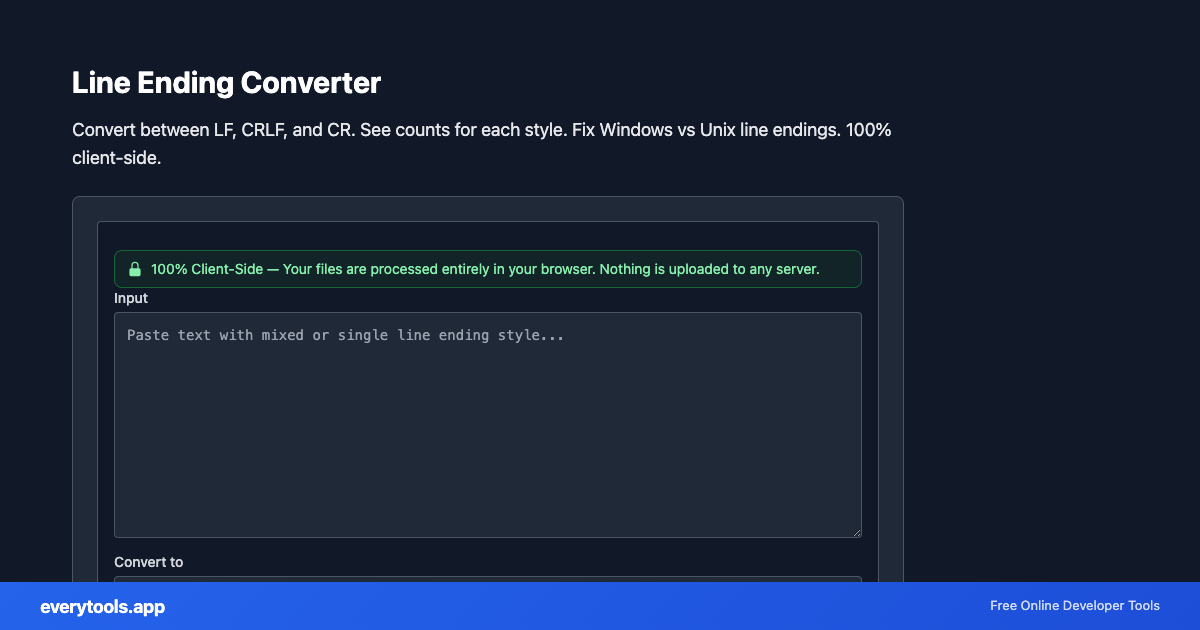
Convert between LF, CRLF, and CR. See counts for each style. Fix Windows vs Unix line endings. 100% client-side.
Ключевые особенности и гарантия конфиденциальности
- ✓ 100% выполнение в браузере: Ваши данные никогда не покидают устройство и не отправляются на удалённые серверы.
- ✓ Мгновенный результат в реальном времени: Нулевая сетевая задержка, пересчёт при вводе и быстрое копирование.
- ✓ Бесплатно и без ограничений навсегда: Без регистрации, без платных тарифов и без дневных лимитов.
- ✓ Соответствие стандартам: Разработано строго по стандартам RFC, ISO и спецификациям W3C.
Free Online Line Ending Converter
The Line Ending Converter is a high-speed, privacy-first web utility in the Windows Tools suite designed to convert between lf, crlf, and cr. see counts for each style. fix windows vs unix line endings. 100% client-side directly in your browser without requiring software installations, browser extensions, or account registrations.
Технические характеристики и архитектура
- Execution Environment:
- 100% Client-Side Browser Sandbox
- Data Privacy:
- Zero Server Storage / No Tracking
- Processing Speed:
- Real-time local CPU execution
- Cross-Platform:
- Works on Windows, macOS, Linux, iOS & Android
Local Processing for Windows Tools
This tool runs within your browser sandbox using modern Web APIs. Inputs are processed on your local device CPU, avoiding network latency and ensuring your data is never stored on external servers or accessible to third parties.
Provide Input
Enter, paste, or upload your data into the input field above.
Configure & Process
The tool immediately processes your input in real time according to your chosen settings.
Copy or Save
Use the Copy button to copy the output to your clipboard, or download the result to your device.
Вам также может понравиться
Связанные инструменты и следующие шаги
Рекомендуемые утилиты разработчика, часто используемые вместе с Line Ending Converter
Windows Path Converter
Convert between forward slashes and backslashes, normalize mixed paths, and optionally add long-path \\?\ prefix. UNC paths supported. Runs in your browser.
Windows Filename Sanitizer
Remove or replace invalid Windows filename characters (< > : \" / \ | ? * and control characters). Safe names for scripts and batch files.
Windows Registry File Formatter
Format and prettify .reg files. Handles UTF-16 LE pasted content. Indent values under keys. No upload — text stays in your browser.
Другие Инструменты Windows
Windows Path Converter
Convert between forward slashes and backslashes, normalize mixed paths, and optionally add long-path \\?\ prefix. UNC paths supported. Runs in your browser.
Windows Filename Sanitizer
Remove or replace invalid Windows filename characters (< > : \" / \ | ? * and control characters). Safe names for scripts and batch files.
Windows Registry File Formatter
Format and prettify .reg files. Handles UTF-16 LE pasted content. Indent values under keys. No upload — text stays in your browser.
Windows GUID Brace Formatter
Format UUIDs with registry-style braces: {XXXXXXXX-XXXX-XXXX-XXXX-XXXXXXXXXXXX}. Uppercase, one per line. Client-side only.
Часто задаваемые вопросы
- What is CRLF vs LF?
- CRLF is two characters: carriage return + line feed (\r\n), common on Windows. LF (\n) is a single newline used on Linux and macOS. Old Mac OS used CR (\r) alone.
- Why does Git show \\r\\n warnings?
- Mixed line endings cause noisy diffs. Normalize to LF or CRLF for your project (e.g. .gitattributes) and use this tool to fix pasted files or snippets.
- Does this tool upload my text?
- No. Conversion happens locally in your browser.