Windows Path Converter
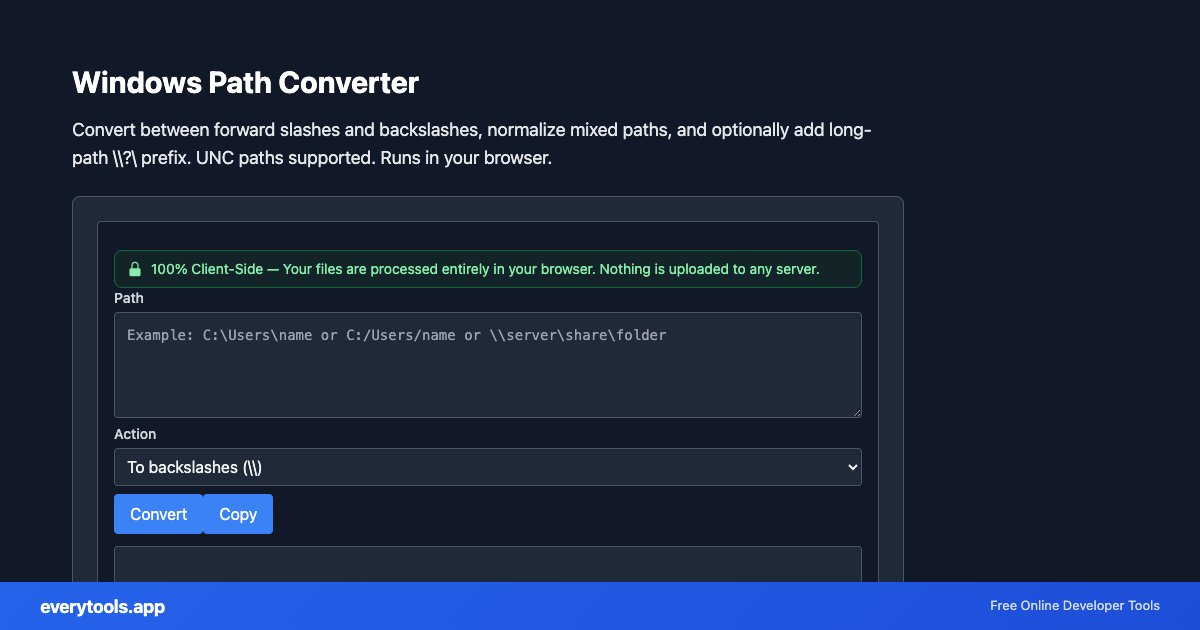
Convert between forward slashes and backslashes, normalize mixed paths, and optionally add long-path \\?\ prefix. UNC paths supported. Runs in your browser.
Free Online Windows Path Converter
The Windows Path Converter is a high-speed, privacy-first web utility in the Windows Tools suite designed to convert between forward slashes and backslashes, normalize mixed paths, and optionally add long-path \\?\ prefix. unc paths supported. runs in your browser directly in your browser without requiring software installations, browser extensions, or account registrations.
Technical Specifications & Architecture
- Execution Environment:
- 100% Client-Side Browser Sandbox
- Data Privacy:
- Zero Server Storage / No Tracking
- Processing Speed:
- Real-time local CPU execution
- Cross-Platform:
- Works on Windows, macOS, Linux, iOS & Android
Local Processing for Windows Tools
This tool runs within your browser sandbox using modern Web APIs. Inputs are processed on your local device CPU, avoiding network latency and ensuring your data is never stored on external servers or accessible to third parties.
Provide Input
Enter, paste, or upload your data into the input field above.
Configure & Process
The tool immediately processes your input in real time according to your chosen settings.
Copy or Save
Use the Copy button to copy the output to your clipboard, or download the result to your device.
You might also like
Connected Tools & Next Steps
Recommended developer utilities frequently used before or after Windows Path Converter
Line Ending Converter
Convert between LF, CRLF, and CR. See counts for each style. Fix Windows vs Unix line endings. 100% client-side.
Windows Filename Sanitizer
Remove or replace invalid Windows filename characters (< > : \" / \ | ? * and control characters). Safe names for scripts and batch files.
Windows Registry File Formatter
Format and prettify .reg files. Handles UTF-16 LE pasted content. Indent values under keys. No upload — text stays in your browser.
Other Windows Tools
Line Ending Converter
Convert between LF, CRLF, and CR. See counts for each style. Fix Windows vs Unix line endings. 100% client-side.
Windows Filename Sanitizer
Remove or replace invalid Windows filename characters (< > : \" / \ | ? * and control characters). Safe names for scripts and batch files.
Windows Registry File Formatter
Format and prettify .reg files. Handles UTF-16 LE pasted content. Indent values under keys. No upload — text stays in your browser.
Windows GUID Brace Formatter
Format UUIDs with registry-style braces: {XXXXXXXX-XXXX-XXXX-XXXX-XXXXXXXXXXXX}. Uppercase, one per line. Client-side only.
Frequently Asked Questions
- When should I use backslashes vs forward slashes?
- Windows APIs and CMD traditionally use backslashes (\). Many tools and Git also accept forward slashes (/). This converter lets you switch formats for scripts, configs, or WSL paths.
- What is the \\?\ long path prefix?
- Prefixing a path with \\?\ enables extended-length paths beyond the classic 260-character MAX_PATH limit when the application supports it. For UNC shares, Windows uses \\?\UNC\server\share\...
- Is my path sent to a server?
- No. everytools runs this conversion entirely in your browser. Your text never leaves your device.