HTML Preview
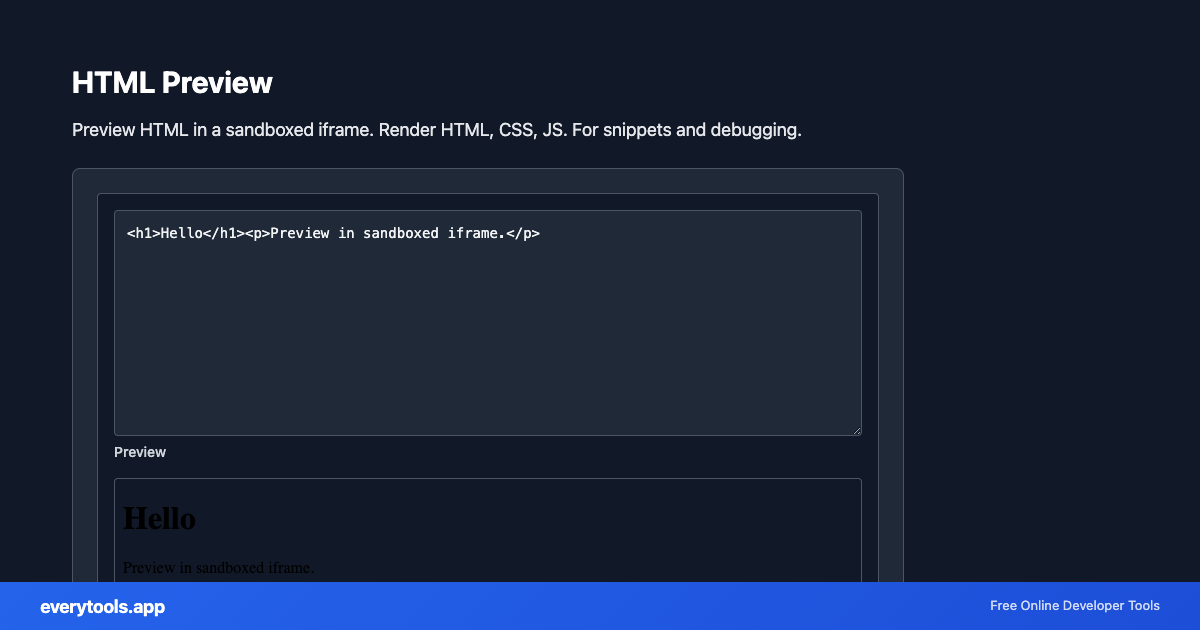
Preview HTML in a sandboxed iframe. Render HTML, CSS, JS. For snippets and debugging.
Free Online HTML Preview
The HTML Preview is a high-speed, privacy-first web utility in the Viewers suite designed to preview html in a sandboxed iframe. render html, css, js. for snippets and debugging directly in your browser without requiring software installations, browser extensions, or account registrations.
Technical Specifications & Architecture
- Technical Standard:
- W3C HTML5 Recommendation & WHATWG Living Standard
- Execution Environment:
- 100% Client-Side Browser Sandbox
- Data Privacy:
- Zero Server Storage / No Tracking
- Processing Speed:
- Real-time local CPU execution
- Cross-Platform:
- Works on Windows, macOS, Linux, iOS & Android
Local Processing for Viewers
This tool runs within your browser sandbox using modern Web APIs. Inputs are processed on your local device CPU, avoiding network latency and ensuring your data is never stored on external servers or accessible to third parties.
Provide Input
Enter, paste, or upload your data into the input field above.
Configure & Process
The tool immediately processes your input in real time according to your chosen settings.
Copy or Save
Use the Copy button to copy the output to your clipboard, or download the result to your device.
Connected Tools & Next Steps
Recommended developer utilities frequently used before or after HTML Preview
HTML Minifier
Minify HTML to reduce file size and improve page load speed.
HTML Formatter
Format HTML with consistent indentation and line breaks.
HTML to Text
Convert HTML to plain text. Extract readable content from HTML.
Other Viewers Tools
Diff Viewer
Compare two texts and view differences. Side-by-side or unified diff view.
Image Average Color
Get the dominant or average color from an image.
Image Color Palette
Extract color palette from images.
Image Color Picker
Pick colors from images. Get hex, RGB values from any image.
Source Code Viewer
View and inspect webpage source code with syntax highlighting.
JSON Viewer
View JSON as a collapsible tree. Pretty-print, expand, collapse. Sample data included.
XML Viewer
View XML as a structured tree. Expand nodes, see attributes. Sample data included.
YAML Viewer
View YAML as a collapsible tree. Parse and explore structure. Sample data included.