Caratteristiche Principali e Garanzia di Privacy
- ✓ Esecuzione 100% nel Browser: I tuoi dati non lasciano mai il dispositivo né toccano server remoti.
- ✓ Output Istantaneo in Tempo Reale: Zero latenza di rete, elaborazione immediata e copia veloce.
- ✓ Gratuito e Illimitato per Sempre: Nessuna registrazione, nessun paywall e nessun limite giornaliero.
- ✓ Conforme agli Standard: Costruito secondo gli standard web ufficiali RFC, ISO e W3C.
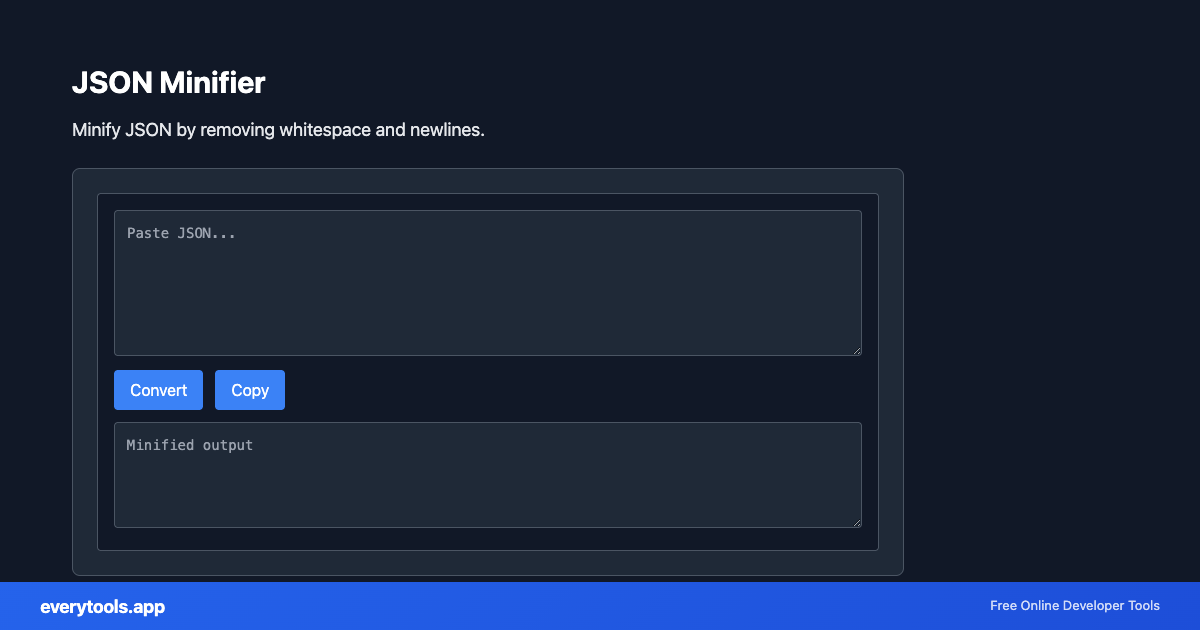
Minify JSON for production
Strip whitespace and line breaks to shrink JSON for network transfer or storage. Distinct intent from formatting—do not merge minify and prettify into confusing UI without labeling.
Specifiche Tecniche e Architettura
- Technical Standard:
- RFC 8259 (The JavaScript Object Notation Data Interchange Format)
- Execution Environment:
- 100% Client-Side Browser Sandbox
- Data Privacy:
- Zero Server Storage / No Tracking
- Processing Speed:
- Real-time local CPU execution
- Cross-Platform:
- Works on Windows, macOS, Linux, iOS & Android
Byte Size Optimization & Whitespace Stripping
Minification removes non-essential whitespace, line breaks, comments, and redundant delimiters from files without altering their programmatic execution. This significantly reduces file transfer size over HTTP networks, improving Core Web Vitals (LCP, FCP) and reducing CDN bandwidth costs.
Provide Input
Enter, paste, or upload your data into the input field above.
Configure & Process
The tool immediately processes your input in real time according to your chosen settings.
Copy or Save
Use the Copy button to copy the output to your clipboard, or download the result to your device.
Casi d'Uso Comuni
- Shrink API payloads cached at the edge
- Prepare embedded config for mobile bundles
- Reduce payload size for WebSocket or SSE demos
- Pair with validator to ensure minified output still parses
Potrebbero interessarti anche
Strumenti Collegati e Passaggi Successivi
Utility di sviluppo consigliate usate spesso prima o dopo JSON Minifier
JSON-LD Formatter
Format and validate JSON-LD structured data. Add @context, escape for script tags, SEO schema.
JSON to CSV
Convert JSON data to CSV format. Export JSON to spreadsheet-friendly format.
CSV to JSON
Convert CSV to JSON. Parse comma-separated values into structured data.
Altri Minificatori
Domande frequenti
- Minifier vs formatter?
- Minifier reduces size. Formatter increases readability. Use minifier before caching responses or embedding large configs; use formatter when debugging.
- Will minification change values?
- It should only remove insignificant whitespace. If numbers or strings change, you are not using JSON minification—double-check the tool options.