Hauptmerkmale & Datenschutzgarantie
- ✓ 100% Ausführung im Browser: Ihre Daten verlassen Ihr Gerät nicht und erreichen keine Server.
- ✓ Sofortige Echtzeit-Ausgabe: Keine Netzwerklatenz, sofortige Auswertung beim Tippen und schnelles Kopieren.
- ✓ Dauerhaft kostenlos & unbegrenzt: Keine Anmeldung, keine Bezahlschranken und keine täglichen Limits.
- ✓ Standardkonform: Streng nach RFC-, ISO- und W3C-Webstandards entwickelt.
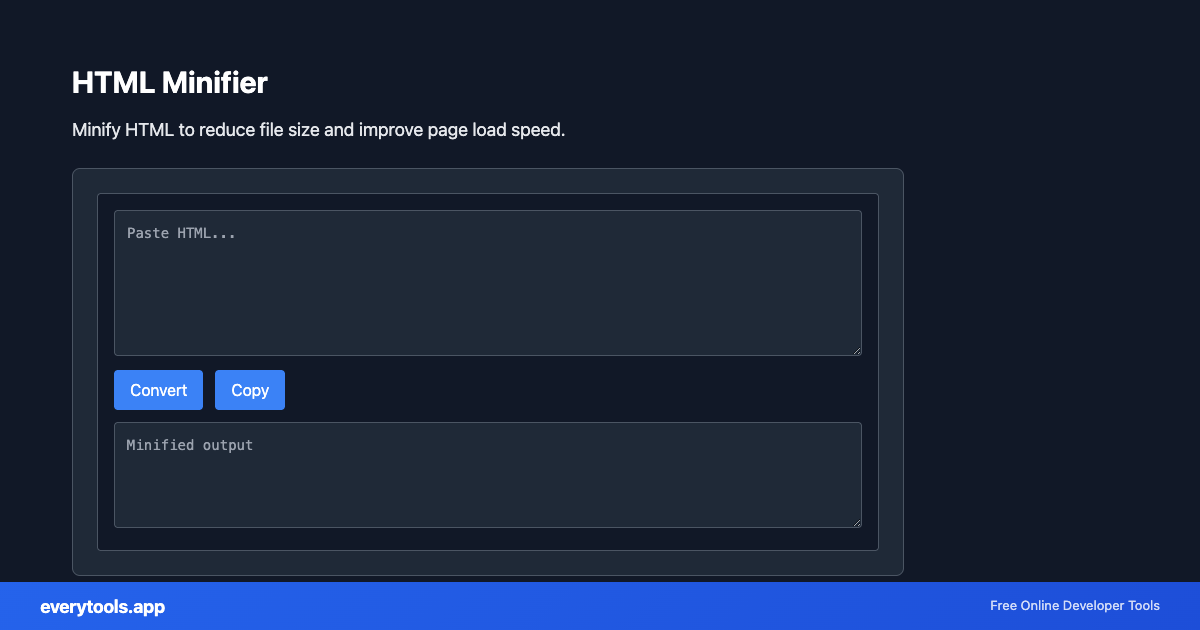
Free Online HTML Minifier
The HTML Minifier is a high-speed, privacy-first web utility in the Minifiers suite designed to minify html to reduce file size and improve page load speed directly in your browser without requiring software installations, browser extensions, or account registrations.
Technische Spezifikationen & Architektur
- Technical Standard:
- W3C HTML5 Recommendation & WHATWG Living Standard
- Execution Environment:
- 100% Client-Side Browser Sandbox
- Data Privacy:
- Zero Server Storage / No Tracking
- Processing Speed:
- Real-time local CPU execution
- Cross-Platform:
- Works on Windows, macOS, Linux, iOS & Android
Byte Size Optimization & Whitespace Stripping
Minification removes non-essential whitespace, line breaks, comments, and redundant delimiters from files without altering their programmatic execution. This significantly reduces file transfer size over HTTP networks, improving Core Web Vitals (LCP, FCP) and reducing CDN bandwidth costs.
Provide Input
Enter, paste, or upload your data into the input field above.
Configure & Process
The tool immediately processes your input in real time according to your chosen settings.
Copy or Save
Use the Copy button to copy the output to your clipboard, or download the result to your device.
Verknüpfte Tools & Nächste Schritte
Empfohlene Entwicklerwerkzeuge vor oder nach der Nutzung von HTML Minifier
HTML to Text
Convert HTML to plain text. Extract readable content from HTML.
Pug to HTML
Convert Pug (Jade) templates to HTML.
HTML Decoder
Decode HTML entities to plain text.