macOS Filename Sanitizer
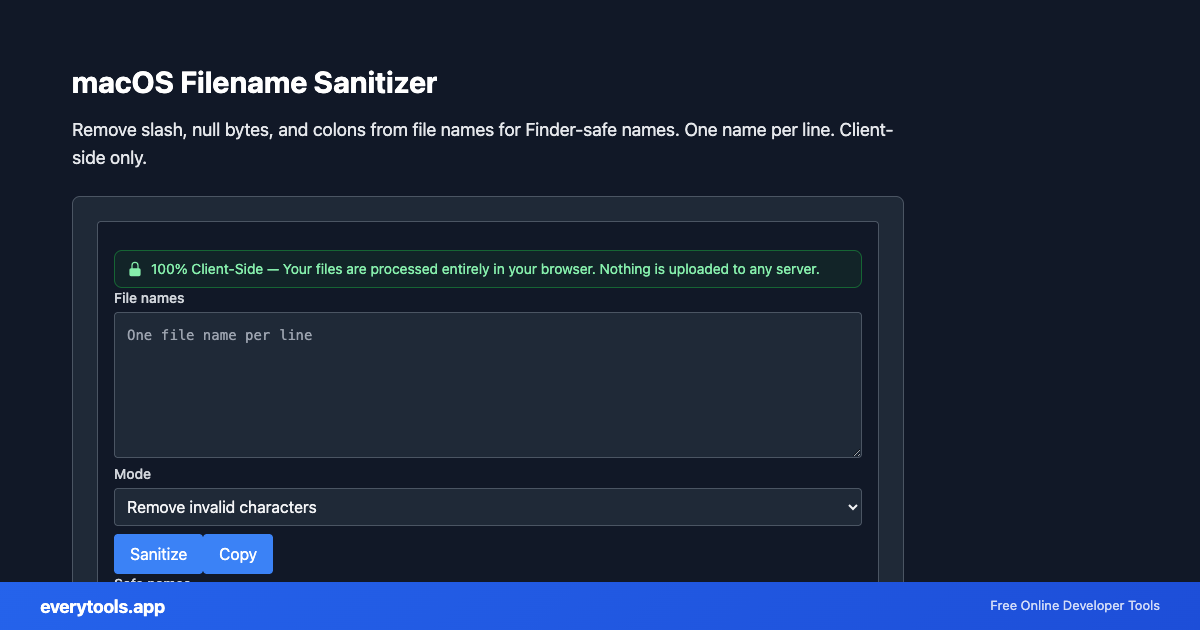
Remove slash, null bytes, and colons from file names for Finder-safe names. One name per line. Client-side only.
Fonctionnalités Clés et Garantie de Confidentialité
- ✓ Exécution 100% Navigateur : Vos données ne quittent jamais votre appareil ni ne touchent un serveur distant.
- ✓ Résultat Instantané en Temps Réel : Aucune latence réseau, calcul immédiat et copie rapide.
- ✓ Gratuit et Illimité pour Toujours : Pas d'inscription, pas de paywall ni de quota quotidien.
- ✓ Conforme aux Standards : Conçu rigoureusement selon les spécifications RFC, ISO et W3C.
Free Online macOS Filename Sanitizer
The macOS Filename Sanitizer is a high-speed, privacy-first web utility in the macOS Tools suite designed to remove slash, null bytes, and colons from file names for finder-safe names. one name per line. client-side only directly in your browser without requiring software installations, browser extensions, or account registrations.
Spécifications Techniques et Architecture
- Execution Environment:
- 100% Client-Side Browser Sandbox
- Data Privacy:
- Zero Server Storage / No Tracking
- Processing Speed:
- Real-time local CPU execution
- Cross-Platform:
- Works on Windows, macOS, Linux, iOS & Android
Local Processing for macOS Tools
This tool runs within your browser sandbox using modern Web APIs. Inputs are processed on your local device CPU, avoiding network latency and ensuring your data is never stored on external servers or accessible to third parties.
Provide Input
Enter, paste, or upload your data into the input field above.
Configure & Process
The tool immediately processes your input in real time according to your chosen settings.
Copy or Save
Use the Copy button to copy the output to your clipboard, or download the result to your device.
Outils Connectés et Étapes Suivantes
Utilitaires recommandés souvent utilisés avant ou après macOS Filename Sanitizer
Plist XML Formatter
Format and beautify Apple plist XML. Validates structure in your browser. For Info.plist, entitlements, and Xcode configs. 100% client-side.
macOS File URL to Path
Convert file:// URLs to POSIX paths. Decodes percent-encoding. Works with file:/// and file://localhost/. Runs in your browser.
AppleScript String Escape
Escape text for use inside AppleScript double-quoted strings. Backslash and quote rules. Copy-paste safe for Script Editor.
Autres Outils macOS
Plist XML Formatter
Format and beautify Apple plist XML. Validates structure in your browser. For Info.plist, entitlements, and Xcode configs. 100% client-side.
macOS File URL to Path
Convert file:// URLs to POSIX paths. Decodes percent-encoding. Works with file:/// and file://localhost/. Runs in your browser.
AppleScript String Escape
Escape text for use inside AppleScript double-quoted strings. Backslash and quote rules. Copy-paste safe for Script Editor.
Bundle ID Validator
Validate and normalize reverse-DNS bundle identifiers (com.example.app). Lowercase segments for CFBundleIdentifier. Runs in browser.