CSV to Markdown Table
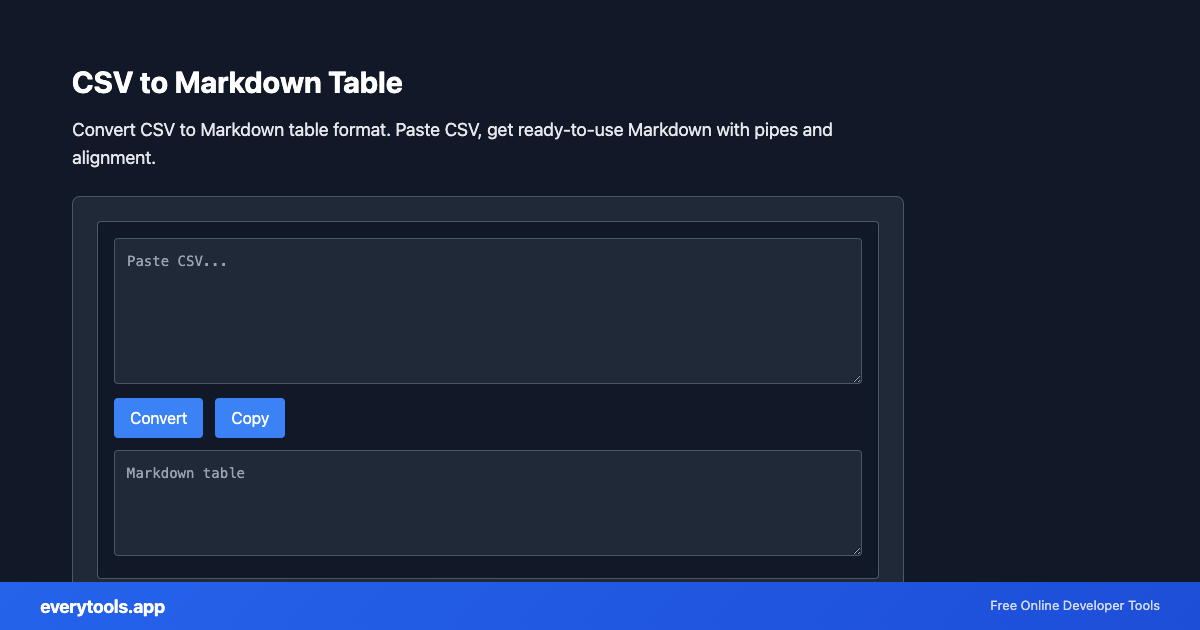
Convert CSV to Markdown table format. Paste CSV, get ready-to-use Markdown with pipes and alignment.
Hauptmerkmale & Datenschutzgarantie
- ✓ 100% Ausführung im Browser: Ihre Daten verlassen Ihr Gerät nicht und erreichen keine Server.
- ✓ Sofortige Echtzeit-Ausgabe: Keine Netzwerklatenz, sofortige Auswertung beim Tippen und schnelles Kopieren.
- ✓ Dauerhaft kostenlos & unbegrenzt: Keine Anmeldung, keine Bezahlschranken und keine täglichen Limits.
- ✓ Standardkonform: Streng nach RFC-, ISO- und W3C-Webstandards entwickelt.
Free Online CSV to Markdown Table
The CSV to Markdown Table is a high-speed, privacy-first web utility in the Converters suite designed to convert csv to markdown table format. paste csv, get ready-to-use markdown with pipes and alignment directly in your browser without requiring software installations, browser extensions, or account registrations.
Technische Spezifikationen & Architektur
- Technical Standard:
- RFC 4180 (Common Format and MIME Type for CSV Files)
- Execution Environment:
- 100% Client-Side Browser Sandbox
- Data Privacy:
- Zero Server Storage / No Tracking
- Processing Speed:
- Real-time local CPU execution
- Cross-Platform:
- Works on Windows, macOS, Linux, iOS & Android
How Client-Side Data Conversion Works
Data conversion takes raw text in a source syntax and transforms it into a target schema or format. The input is first parsed into an abstract syntax tree (AST) or typed in-memory objects. The converter normalizes data types, resolves nested structures, escapes special characters according to target specifications, and serializes the result into the destination format—all executed in real time inside your browser memory without server uploads.
Provide Input
Enter, paste, or upload your data into the input field above.
Configure & Process
The tool immediately processes your input in real time according to your chosen settings.
Copy or Save
Use the Copy button to copy the output to your clipboard, or download the result to your device.
Verknüpfte Tools & Nächste Schritte
Empfohlene Entwicklerwerkzeuge vor oder nach der Nutzung von CSV to Markdown Table
Markdown Table Generator
Create GitHub Flavored Markdown (GFM) tables with custom rows, columns, and alignment.
CSV Validator
Validate CSV format and structure.
Markdown Formatter
Format and prettify Markdown documents.
Andere Konverter
JSON to CSV
Convert JSON data to CSV format. Export JSON to spreadsheet-friendly format.
CSV to JSON
Convert CSV to JSON. Parse comma-separated values into structured data.
JSON to YAML
Convert JSON to YAML format. Transform data between formats.
Case Converter
Convert text between camelCase, snake_case, kebab-case, and more.
Base64 to Image
Convert Base64 encoded strings to images. Decode and display images.
Image to Base64
Convert images to Base64 encoding. Embed images in HTML or JSON.
HTML to Text
Convert HTML to plain text. Extract readable content from HTML.
Pug to HTML
Convert Pug (Jade) templates to HTML.