Free Online Email Validator
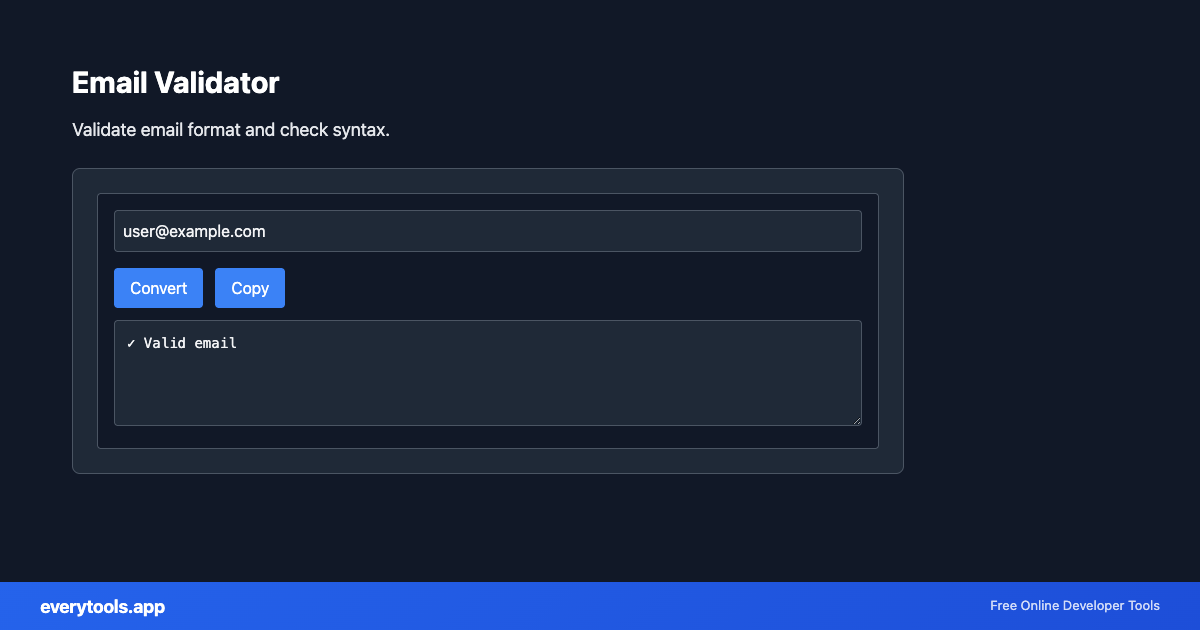
The Email Validator is a high-speed, privacy-first web utility in the Validators suite designed to validate email format and check syntax directly in your browser without requiring software installations, browser extensions, or account registrations.
Technical Specifications & Architecture
- Execution Environment:
- 100% Client-Side Browser Sandbox
- Data Privacy:
- Zero Server Storage / No Tracking
- Processing Speed:
- Real-time local CPU execution
- Cross-Platform:
- Works on Windows, macOS, Linux, iOS & Android
Syntax & Structural Verification Process
The validation engine performs lexical analysis against the formal grammar, schema definitions, or RFC requirements of the format. It verifies bracket matching, character encoding integrity, required attribute existence, and delimiter consistency. If an anomaly is found, the validator pinpoints the exact line and column location alongside an actionable explanation of the syntax violation.
Provide Input
Enter, paste, or upload your data into the input field above.
Configure & Process
The tool immediately processes your input in real time according to your chosen settings.
Copy or Save
Use the Copy button to copy the output to your clipboard, or download the result to your device.
Connected Tools & Next Steps
Recommended developer utilities frequently used before or after Email Validator
Other Validators Tools
CSS Validator
Validate CSS syntax and find errors.
JSON Validator
Validate JSON syntax. Find and fix JSON errors.
CSV Validator
Validate CSV format and structure.
URL Validator
Validate URL format and structure.
IP Address Validator
Validate IPv4 and IPv6 addresses.
Password Strength Checker
Check password strength. Length, complexity, and common pattern detection.
JSON Schema Validator
Validate JSON against a JSON Schema.
Hex Color Validator
Validate HEX color format. Supports #RGB, #RRGGBB, #RRGGBBAA. Returns RGB values.