PDF to Text Converter
PDF To Text Dönüştürücü ile PDF belgelerinizi tarayıcınızda sunucuya yüklemeden güvenle işleyin.
Temel Özellikler & Gizlilik Güvencesi
- ✓ %100 Tarayıcıda Çalışma: Verileriniz asla cihazınızdan ayrılmaz veya uzak sunuculara iletilmez.
- ✓ Gerçek Zamanlı Anlık Çıktı: Sıfır ağ gecikmesi, siz yazarken anında hesaplama ve hızlı kopyalama.
- ✓ Sonsuza Dek Ücretsiz & Sınırsız: Hesap oluşturma yok, ödeme duvarı yok ve günlük kullanım sınırı yok.
- ✓ Standartlarla Uyumlu: RFC, ISO ve W3C web standartlarına sıkı sıkıya bağlı olarak geliştirildi.
Free PDF to text online
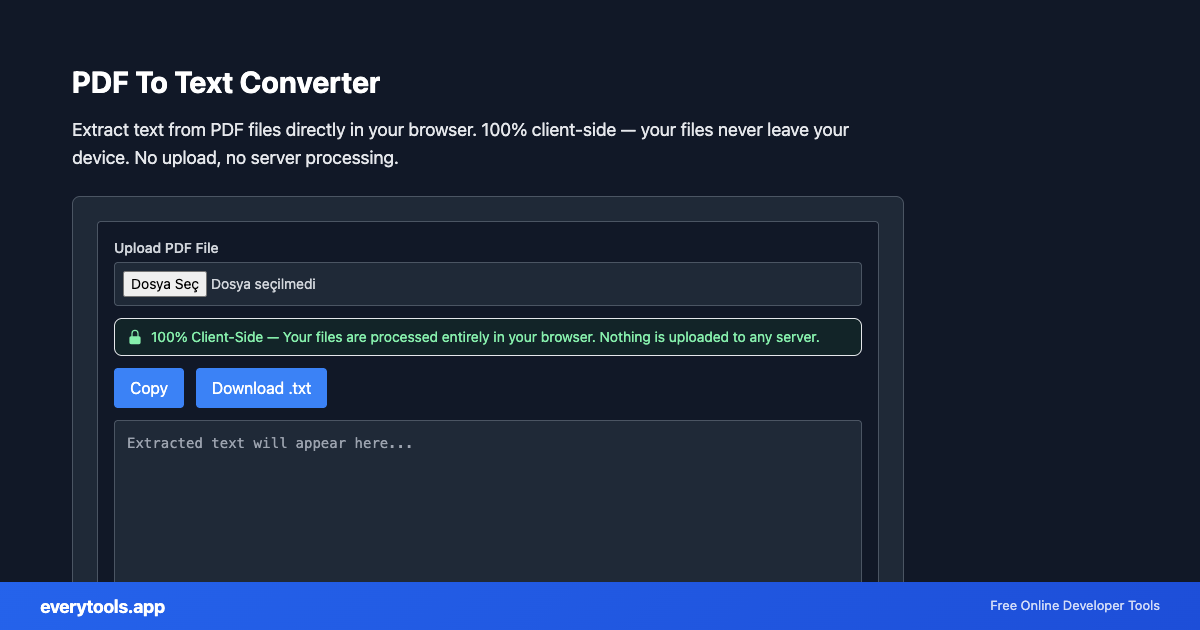
Pull plain text out of text-based PDFs without uploading files. Works like a simple “PDF to text” or “extract text from PDF” utility: paste or open your file above, then copy the result. For scanned PDFs you need OCR elsewhere — we only read embedded text.
Teknik Özellikler & Mimari
- Teknik Standart:
- ISO 32000-1 / ISO 32000-2 Document Management (PDF)
- Çalışma Ortamı:
- %100 İstemci Taraflı Tarayıcı Belleği
- Veri Gizliliği:
- Sıfır Sunucu Kaydı / Sıfır Takip
- İşlem Hızı:
- Yerel CPU ile Gerçek Zamanlı
- Çoklu Platform:
- Windows, macOS, Linux, iOS ve Android uyumlu
Tarayıcı Belleğinde Yerel PDF İşleme
PDF araçları, WebAssembly ve yerel motorlar ile çalışır. Dosyalarınız harici bir sunucuya yüklenmeden cihazınızın belleğinde işlenir. Belgeleriniz tamamen gizli kalır.
Girdi Sağlayın
Yukarıdaki giriş alanına verinizi yazın, yapıştırın veya yükleyin.
Yapılandırın ve İşleyin
Araç, seçtiğiniz ayarlara göre girdinizi gerçek zamanlı olarak anında işler.
Kopyalayın veya Kaydedin
Sonucu panoya kopyalamak için Kopyala düğmesini kullanın veya çıktıyı cihazınıza indirin.
Teknik Referans & Standartlar
PDF to text vs PDF editor or Word export
everytools does not edit PDF layout like Acrobat, and we do not convert PDF to Word (.docx). If you need merge, split, or compress, use our other PDF tools. This page is only for getting readable text out of PDFs.
Yaygın Kullanım Senaryoları
- Extract text from PDF contracts, invoices, and reports for data processing
- Convert PDF content to plain text for indexing, search, or NLP analysis
- Copy text from PDFs that have copy protection disabled
- Quickly read PDF content without a PDF viewer installed
Bunlar da ilginizi çekebilir
Bağlantılı Araçlar & Sonraki Adımlar
PDF To Text Dönüştürücü öncesinde veya sonrasında sıkça kullanılan yardımcı geliştirici araçları
DOCX To PDF Converter
Convert Word documents (.docx) to PDF in your browser. Preview HTML layout, then download PDF. 100% client-side — files never leave your device.
PDF To Image Converter
Convert PDF pages to PNG or JPG images in your browser. 100% client-side — your files never leave your device. No upload required.
PDF Merge
Merge multiple PDF files into one document in your browser. 100% client-side — your files never leave your device. No upload, no server.
Diğer PDF Araçları
PDF - Görsel (PNG/JPG) Dönüştürücü
PDF sayfalarını yüksek çözünürlüklü PNG veya JPG görsellerine dönüştürün.
PDF Birleştirici
Birden fazla PDF belgesini sırasını belirleyerek tek bir PDF dosyasında birleştirin ve indirin.
PDF Bölücü ve Sayfa Ayırıcı
PDF belgelerinden istediğiniz sayfaları ayırın veya belgeyi ayrı dosyalara bölün.
PDF Sıkıştırıcı
Görsel ve metin kalitesini koruyarak PDF dosyalarınızın boyutunu tarayıcınızda küçültün.
PDF Rotate Pages
PDF Rotate Pages ile PDF belgelerinizi tarayıcınızda sunucuya yüklemeden güvenle işleyin.
PDF Page Sayacı
PDF Page Sayacı ile PDF belgelerinizi tarayıcınızda sunucuya yüklemeden güvenle işleyin.
PDF Metadata Görüntüleyici
PDF Metadata Görüntüleyici ile PDF belgelerinizi tarayıcınızda sunucuya yüklemeden güvenle işleyin.
PDF Watermark
PDF Watermark ile PDF belgelerinizi tarayıcınızda sunucuya yüklemeden güvenle işleyin.
Sıkça Sorulan Sorular
- Is my PDF file safe when using this tool?
- Yes, absolutely. This tool runs 100% in your browser using PDF.js. Your PDF file is never uploaded to any server. All processing happens locally on your device, ensuring complete privacy.
- Do you store or access my uploaded files?
- No. We have zero access to your files. The tool uses client-side JavaScript (PDF.js) that processes everything in your browser. Once you close the tab, all data is gone.
- Can I extract text from scanned PDFs?
- This tool extracts embedded text from PDFs. For scanned PDFs (image-based), the text is stored as an image and requires OCR software. This tool works best with text-based PDFs.
- Is this the same as PDF to Word?
- No. A PDF to Word converter outputs an editable document. This tool outputs plain text only — better for copying, quoting, or piping into other apps.