Shortcut Formatter
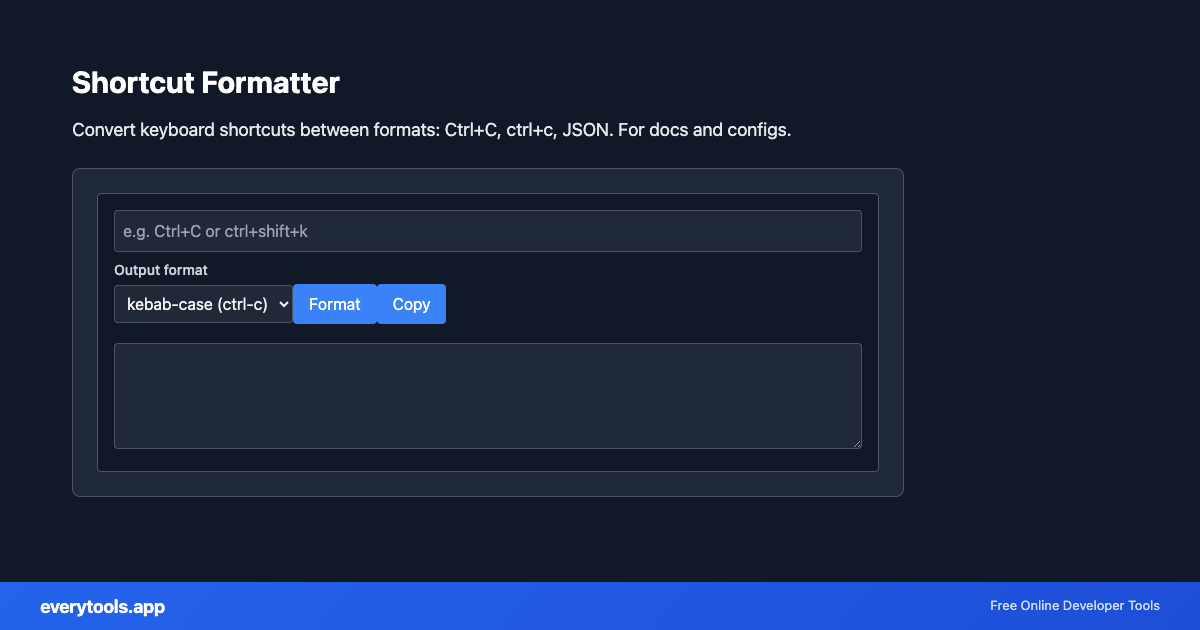
Convert keyboard shortcuts between formats: Ctrl+C, ctrl+c, JSON. For docs and configs.
Caratteristiche Principali e Garanzia di Privacy
- ✓ Esecuzione 100% nel Browser: I tuoi dati non lasciano mai il dispositivo né toccano server remoti.
- ✓ Output Istantaneo in Tempo Reale: Zero latenza di rete, elaborazione immediata e copia veloce.
- ✓ Gratuito e Illimitato per Sempre: Nessuna registrazione, nessun paywall e nessun limite giornaliero.
- ✓ Conforme agli Standard: Costruito secondo gli standard web ufficiali RFC, ISO e W3C.
Free Online Shortcut Formatter
The Shortcut Formatter is a high-speed, privacy-first web utility in the Keyboard Tools suite designed to convert keyboard shortcuts between formats: ctrl+c, ctrl+c, json. for docs and configs directly in your browser without requiring software installations, browser extensions, or account registrations.
Specifiche Tecniche e Architettura
- Technical Standard:
- RFC 8259 (The JavaScript Object Notation Data Interchange Format)
- Execution Environment:
- 100% Client-Side Browser Sandbox
- Data Privacy:
- Zero Server Storage / No Tracking
- Processing Speed:
- Real-time local CPU execution
- Cross-Platform:
- Works on Windows, macOS, Linux, iOS & Android
Local Processing for Keyboard Tools
This tool runs within your browser sandbox using modern Web APIs. Inputs are processed on your local device CPU, avoiding network latency and ensuring your data is never stored on external servers or accessible to third parties.
Provide Input
Enter, paste, or upload your data into the input field above.
Configure & Process
The tool immediately processes your input in real time according to your chosen settings.
Copy or Save
Use the Copy button to copy the output to your clipboard, or download the result to your device.
Strumenti Collegati e Passaggi Successivi
Utility di sviluppo consigliate usate spesso prima o dopo Shortcut Formatter