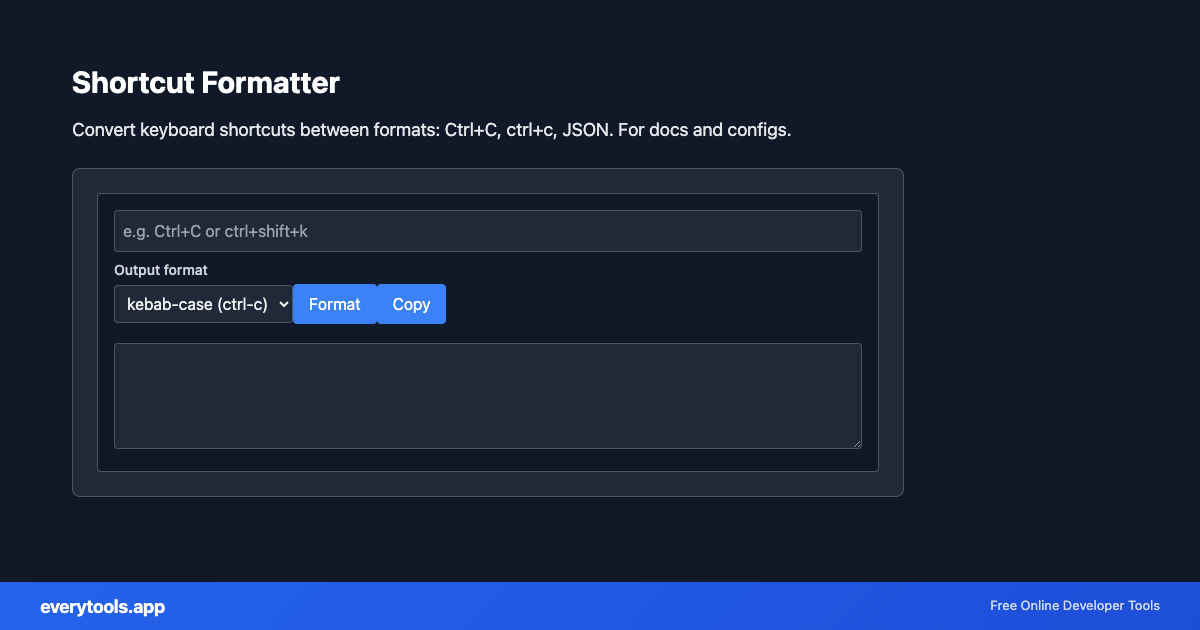
Shortcut Formatter
Convert keyboard shortcuts between formats: Ctrl+C, ctrl+c, JSON. For docs and configs.
Key Features & Privacy Guarantee
- ✓ 100% In-Browser Execution: Your data never leaves your device or touches any remote server.
- ✓ Real-Time Instant Output: Zero network latency, instant typing evaluation, and fast clipboard copy.
- ✓ Free & Unlimited Forever: No account signup, no paywalls, and no daily usage throttling.
- ✓ Standards Compliant: Built strictly according to RFC, ISO, and W3C web standard specifications.
Free Online Shortcut Formatter
The Shortcut Formatter is a high-speed, privacy-first web utility in the Keyboard Tools suite designed to convert keyboard shortcuts between formats: ctrl+c, ctrl+c, json. for docs and configs directly in your browser without requiring software installations, browser extensions, or account registrations.
Technical Specifications & Architecture
- Technical Standard:
- RFC 8259 (The JavaScript Object Notation Data Interchange Format)
- Execution Environment:
- 100% Client-Side Browser Sandbox
- Data Privacy:
- Zero Server Storage / No Tracking
- Processing Speed:
- Real-time local CPU execution
- Cross-Platform:
- Works on Windows, macOS, Linux, iOS & Android
Local Processing for Keyboard Tools
This tool runs within your browser sandbox using modern Web APIs. Inputs are processed on your local device CPU, avoiding network latency and ensuring your data is never stored on external servers or accessible to third parties.
Provide Input
Enter, paste, or upload your data into the input field above.
Configure & Process
The tool immediately processes your input in real time according to your chosen settings.
Copy or Save
Use the Copy button to copy the output to your clipboard, or download the result to your device.
Connected Tools & Next Steps
Recommended developer utilities frequently used before or after Shortcut Formatter