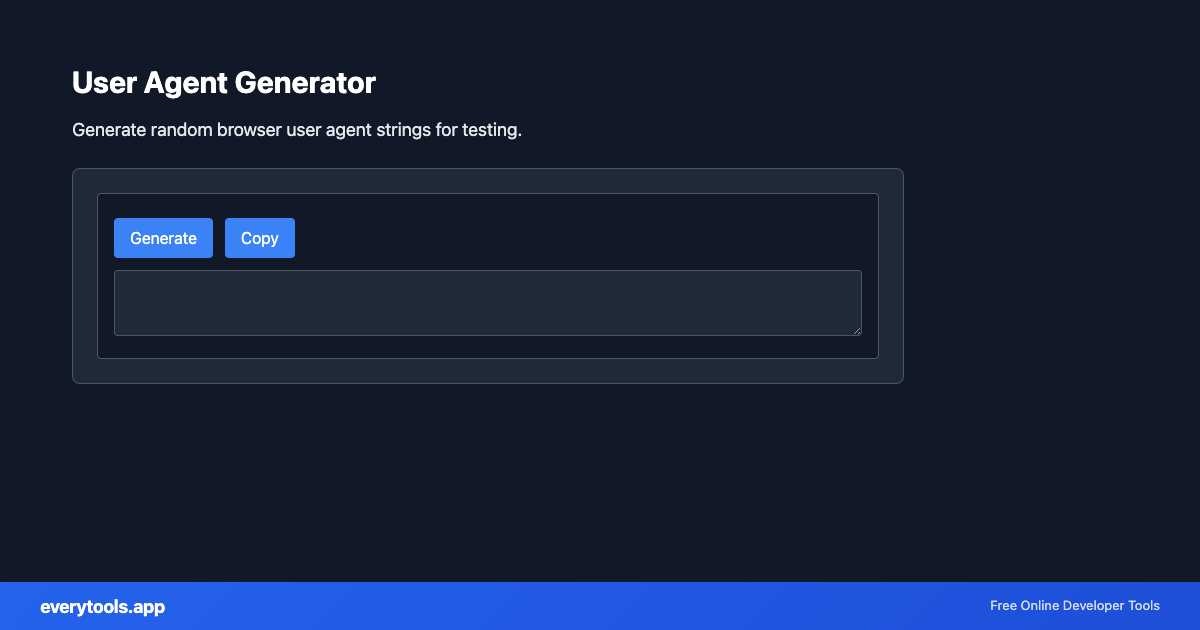
Generate realistic browser user agent strings online
Simulate modern Chrome, Safari, Firefox, Edge, and mobile browser requests for web scraping, automated testing, and responsive design verification without installing browser automation software.
Technical Specifications & Architecture
- Technical Standard:
- RFC 9110 (HTTP Semantics) & W3C User-Agent Client Hints
- Execution Environment:
- 100% Client-Side Browser Sandbox
- Data Privacy:
- Zero Server Storage / No Tracking
- Processing Speed:
- Real-time local CPU execution
- Cross-Platform:
- Works on Windows, macOS, Linux, iOS & Android
High-Entropy Generation & Deterministic Patterns
Generators produce unique identifiers, passwords, text patterns, or graphic assets. For security-sensitive outputs (such as UUIDs and passwords), the tool uses cryptographically secure pseudo-random number generation (CSPRNG via the Web Cryptography API), ensuring maximum entropy and zero collision risk. Non-random patterns follow official standard schemas.
Provide Input
Enter, paste, or upload your data into the input field above.
Configure & Process
The tool immediately processes your input in real time according to your chosen settings.
Copy or Save
Use the Copy button to copy the output to your clipboard, or download the result to your device.
Technical Reference & Standards
Anatomy of HTTP User-Agent Strings (RFC 9110)
Under RFC 9110 HTTP Semantics, a User-Agent header consists of product tokens and comments identifying the client software, rendering engine, and host operating system. For example, a modern Windows Chrome string includes Mozilla/5.0 compatibility tokens, AppleWebKit layout engine identifiers, and the specific Chrome and Safari version numbers. Web servers inspect these tokens to serve tailored CSS, mobile-friendly layouts, or conditional JavaScript polyfills.
User Agent Rotation in Web Scraping & Headless Browsers
Web scrapers built with Puppeteer, Playwright, or Python requests frequently encounter rate limiting, Cloudflare turnstiles, or IP blocks when sending default automated identifiers. By rotating through high-reputation, randomized User-Agent strings representing real consumer operating systems and browser versions, automated scripts simulate genuine visitor distribution and prevent automated detection.
Transitioning from User-Agent to Client Hints (Sec-CH-UA)
Modern Chromium browsers are gradually freezing the traditional navigator.userAgent string to prevent passive browser fingerprinting. Modern servers now rely on Sec-CH-UA (Client Hints) HTTP headers such as Sec-CH-UA-Platform and Sec-CH-UA-Mobile. However, legacy servers, proxies, CDN caching layers, and web crawlers still rely heavily on the standard User-Agent header for device targeting.
Common Use Cases
- Simulate different browsers (Chrome, Firefox, Safari) when testing API responses
- Rotate user agents in web scraping to avoid detection and rate limiting
- Test responsive design by using mobile user agents (iPhone, Android)
- Verify bot detection by sending Googlebot or Bingbot user agents
Learn More
You might also like
Connected Tools & Next Steps
Recommended developer utilities frequently used before or after Random User Agent Generator
cURL Parser
Parse cURL commands. Convert cURL to different languages and formats.
Follow Redirect URL
Follow URL redirects and get the final destination. Check where a URL points to.
Word Count Counter
Count words, characters, and sentences in text. Useful for writers and content creators.
Other Generators Tools
Word Count Counter
Count words, characters, and sentences in text. Useful for writers and content creators.
Wheel Picker
Random wheel picker for fair selection. Spin the wheel to choose randomly.
Days Calculator
Calculate the number of days between two dates. Track durations and deadlines.
Favicon & App Icon Generator
Generate favicon.ico, Apple touch icons, PWA 192x192/512x512 PNGs, and HTML head tags from a single logo image.
Free Invoice & Receipt Generator
Create professional PDF invoices with custom line items, tax calculations, logo, and 1-click print/download.
Random Password Generator
Generate secure random passwords with custom length and character sets.
Random Color Generator
Generate random colors in HEX, RGB, HSL formats for design and development.
Random Text Generator
Generate random text, Lorem Ipsum, and placeholder content.
Frequently Asked Questions
- What is a user agent?
- A user agent is a string that identifies your browser and operating system. Web servers use it to serve appropriate content. Example: Chrome on Windows sends a different user agent than Safari on Mac.
- Why use a random user agent?
- Developers use random user agents to test how websites respond to different browsers and devices. It helps ensure your site works across Chrome, Firefox, Safari, and mobile browsers.
- How to use user agent for testing?
- Generate a user agent, then set it in your HTTP client (cURL, fetch, Postman) or browser dev tools. Many API testing tools let you override the User-Agent header to simulate different clients.