JSON To Excel Converter
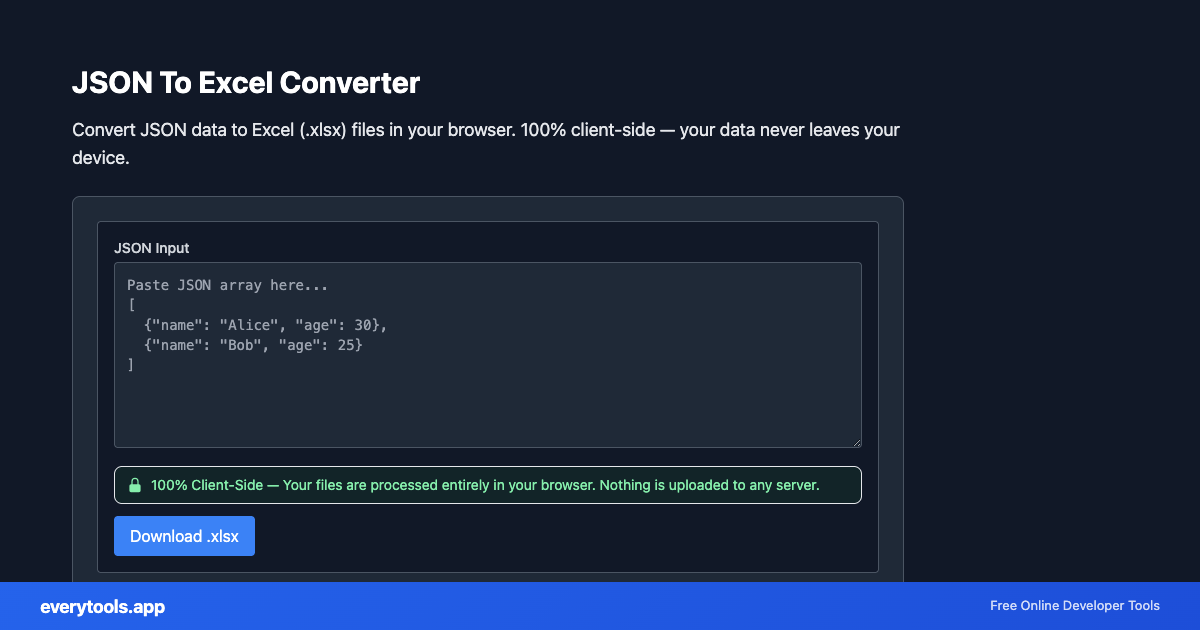
Convert JSON data to Excel (.xlsx) files in your browser. 100% client-side — your data never leaves your device.
Free Online JSON To Excel Converter
The JSON To Excel Converter is a high-speed, privacy-first web utility in the Excel Tools suite designed to convert json data to excel (.xlsx) files in your browser. 100% client-side — your data never leaves your device directly in your browser without requiring software installations, browser extensions, or account registrations.
Technical Specifications & Architecture
- Technical Standard:
- RFC 8259 (The JavaScript Object Notation Data Interchange Format)
- Execution Environment:
- 100% Client-Side Browser Sandbox
- Data Privacy:
- Zero Server Storage / No Tracking
- Processing Speed:
- Real-time local CPU execution
- Cross-Platform:
- Works on Windows, macOS, Linux, iOS & Android
Spreadsheet Sheet & Cell Parsing Architecture
Spreadsheet tools read and write OpenXML (XLSX) and delimiter-separated structures entirely within client memory. Cells, column headers, number formats, and date objects are extracted and converted into JSON or CSV structures without server transmission. Ideal for processing customer rosters, sales reports, and analytics data privately.
Provide Input
Enter, paste, or upload your data into the input field above.
Configure & Process
The tool immediately processes your input in real time according to your chosen settings.
Copy or Save
Use the Copy button to copy the output to your clipboard, or download the result to your device.
Connected Tools & Next Steps
Recommended developer utilities frequently used before or after JSON To Excel Converter
JSON Minifier
Minify JSON by removing whitespace and newlines.
JSON Formatter
Format and validate JSON with syntax highlighting.
JSON-LD Formatter
Format and validate JSON-LD structured data. Add @context, escape for script tags, SEO schema.
Other Excel Tools
Excel To JSON Converter
Convert Excel spreadsheets (.xlsx, .xls) to JSON format in your browser. 100% client-side — your files never leave your device.
Excel To CSV Converter
Convert Excel files to CSV format in your browser. 100% client-side — your files never leave your device. No upload required.
CSV To Excel Converter
Convert CSV files to Excel (.xlsx) format in your browser. 100% client-side — your data never leaves your device.
Excel Viewer Online
View Excel files online in your browser without Excel installed. 100% client-side — your files never leave your device.
Excel To HTML Table
Convert Excel spreadsheets to HTML table code in your browser. 100% client-side — your files never leave your device.
Excel To SQL Insert
Convert Excel rows to SQL INSERT statements in your browser. 100% client-side — your data never leaves your device.
Excel To Markdown Table
Convert Excel spreadsheets to Markdown tables in your browser. 100% client-side — your files never leave your device.
Excel To XML Converter
Convert Excel spreadsheets to XML format in your browser. 100% client-side — your files never leave your device.