Decode Base62 strings back to text and IDs online
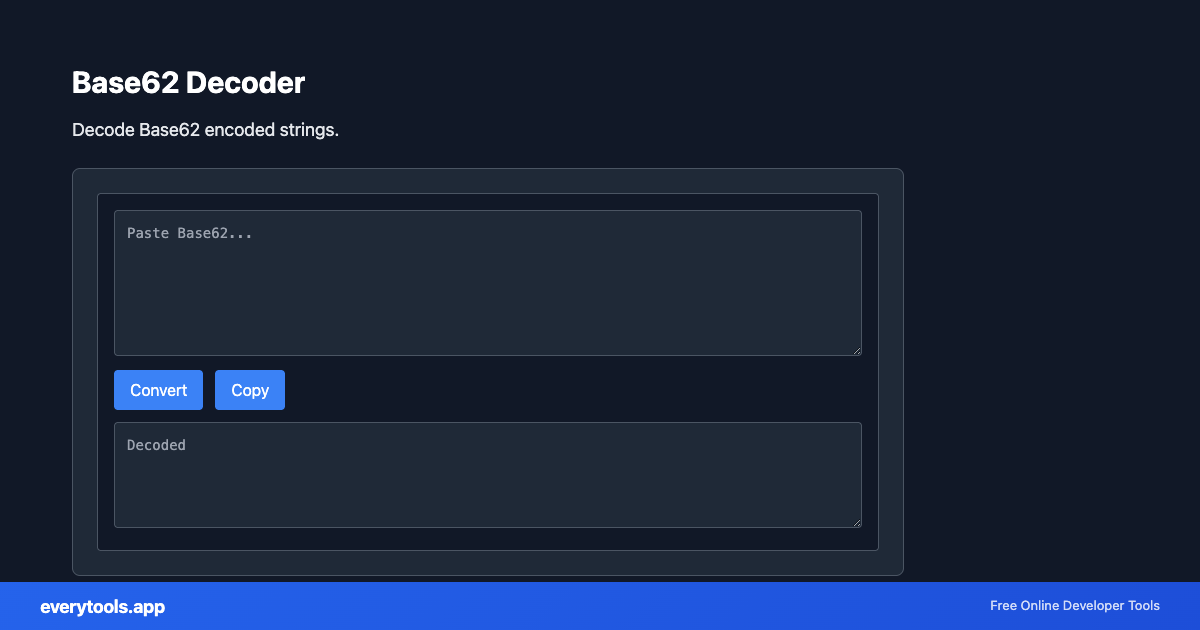
Paste any Base62-encoded string to decode it back into original plain text, numeric database IDs, or raw byte sequences instantly in your browser.
Technical Specifications & Architecture
- Technical Standard:
- Base62 URL-Safe Radix-62 Encoding Standard
- Execution Environment:
- 100% Client-Side Browser Sandbox
- Data Privacy:
- Zero Server Storage / No Tracking
- Processing Speed:
- Real-time local CPU execution
- Cross-Platform:
- Works on Windows, macOS, Linux, iOS & Android
Character Set & Binary Radix Transformation
Encoders and decoders map binary byte sequences or text characters to alternative radix representations (such as Base64, Base62, Hexadecimal, or URL Percent-Encoding). Decoding performs the inverse mathematical mapping to restore the original plain text or binary buffer. Because processing occurs entirely within local browser memory, API keys, sensitive tokens, and session credentials never leave your machine.
Provide Input
Enter, paste, or upload your data into the input field above.
Configure & Process
The tool immediately processes your input in real time according to your chosen settings.
Copy or Save
Use the Copy button to copy the output to your clipboard, or download the result to your device.
Technical Reference & Standards
Base62 Decoding Algorithm & Radix Conversion
Base62 decoding processes strings positional character values using base-62 arithmetic: mapping characters 0-9 to values 0-9, A-Z to 10-35, and a-z to 36-61. The polynomial sum reconstructs the original big integer or byte buffer. The decoding executes synchronously in browser memory with zero network overhead.
Debugging Short URLs & Tracking Tokens
When troubleshooting analytics redirection services, marketing campaign slugs, or shortened URLs, decoding the Base62 slug exposes the underlying relational database primary key or customer identifier, making system tracing and log audits straightforward.
Common Use Cases
- Decode Base62 short URLs or tracking IDs back to their original numerical or text format
- Inspect Base62-encoded API tokens, security cookies, or session keys
- Decode Bitcoin and cryptocurrency address hashes or compact database keys
- Debug custom URL shortening services and microservices routing
You might also like
Connected Tools & Next Steps
Recommended developer utilities frequently used before or after Base62 Decoder
Other Encoders & Decoders Tools
URL Decoder
Decode URL-encoded strings. Convert percent-encoded text to readable form.
URL Encoder
Encode text for URLs. Convert special characters to percent-encoding.
Base32 Encoder
Encode text to Base32 format.
Base32 Decoder
Decode Base32 encoded strings.
Base64 Encoder
Encode text or binary to Base64.
Base64 Decoder
Decode Base64 encoded strings.
HTML Decoder
Decode HTML entities to plain text.
HTML Encoder
Encode special characters to HTML entities.
Frequently Asked Questions
- What is Base62?
- Base62 is an encoding scheme using 62 characters: 0-9, A-Z, a-z. It creates shorter strings than Base64 and is URL-safe since it avoids +, /, and = which need encoding in URLs.
- Base62 vs Base64?
- Base64 uses 64 characters and often adds padding. Base62 uses 62 and needs no padding. Base62 is better for URLs and short identifiers. Base64 is more common for binary data in JSON or MIME.
- When to use Base62 decoder?
- Use this decoder when you have a Base62-encoded string (e.g. from a short URL or API) and need to recover the original text. Paste the Base62 string and get the decoded result instantly.