cURL to Fetch
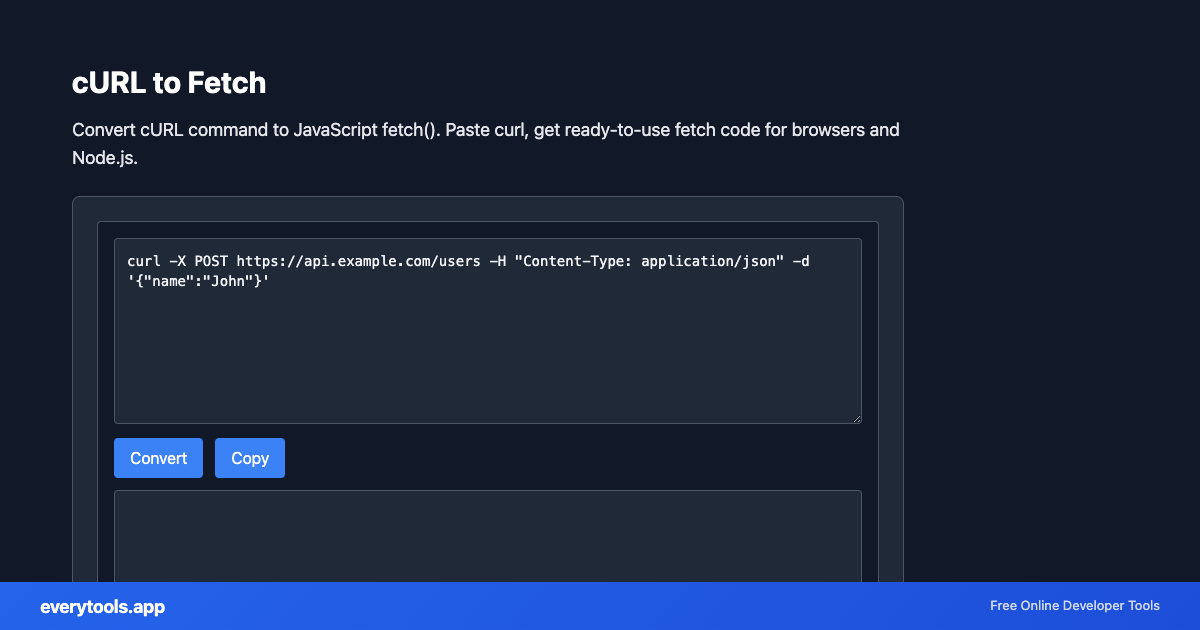
Convert cURL command to JavaScript fetch(). Paste curl, get ready-to-use fetch code for browsers and Node.js.
Características Principales y Garantía de Privacidad
- ✓ Ejecución 100% en el Navegador: Tus datos nunca salen de tu dispositivo ni tocan servidores remotos.
- ✓ Salida Instantánea en Tiempo Real: Cero latencia de red, evaluación al teclear y copiado rápido.
- ✓ Gratis e Ilimitado para Siempre: Sin registro, sin barreras de pago ni límites diarios.
- ✓ Cumplimiento de Estándares: Desarrollado según especificaciones web RFC, ISO y W3C.
Free Online cURL to Fetch
The cURL to Fetch is a high-speed, privacy-first web utility in the Converters suite designed to convert curl command to javascript fetch(). paste curl, get ready-to-use fetch code for browsers and node.js directly in your browser without requiring software installations, browser extensions, or account registrations.
Especificaciones Técnicas y Arquitectura
- Technical Standard:
- RFC 3986 (Uniform Resource Identifier Generic Syntax)
- Execution Environment:
- 100% Client-Side Browser Sandbox
- Data Privacy:
- Zero Server Storage / No Tracking
- Processing Speed:
- Real-time local CPU execution
- Cross-Platform:
- Works on Windows, macOS, Linux, iOS & Android
How Client-Side Data Conversion Works
Data conversion takes raw text in a source syntax and transforms it into a target schema or format. The input is first parsed into an abstract syntax tree (AST) or typed in-memory objects. The converter normalizes data types, resolves nested structures, escapes special characters according to target specifications, and serializes the result into the destination format—all executed in real time inside your browser memory without server uploads.
Provide Input
Enter, paste, or upload your data into the input field above.
Configure & Process
The tool immediately processes your input in real time according to your chosen settings.
Copy or Save
Use the Copy button to copy the output to your clipboard, or download the result to your device.
Herramientas Relacionadas y Siguientes Pasos
Utilidades de desarrollo recomendadas usadas con frecuencia junto a cURL to Fetch
cURL Parser
Parse cURL commands. Convert cURL to different languages and formats.
URL Slug Generator
Convert text to URL-friendly slugs. Create SEO-friendly URLs from titles.
URL Decoder
Decode URL-encoded strings. Convert percent-encoded text to readable form.
Otras Conversores
JSON to CSV
Convert JSON data to CSV format. Export JSON to spreadsheet-friendly format.
CSV to JSON
Convert CSV to JSON. Parse comma-separated values into structured data.
JSON to YAML
Convert JSON to YAML format. Transform data between formats.
Case Converter
Convert text between camelCase, snake_case, kebab-case, and more.
Base64 to Image
Convert Base64 encoded strings to images. Decode and display images.
Image to Base64
Convert images to Base64 encoding. Embed images in HTML or JSON.
HTML to Text
Convert HTML to plain text. Extract readable content from HTML.
Pug to HTML
Convert Pug (Jade) templates to HTML.