First 20 Lines
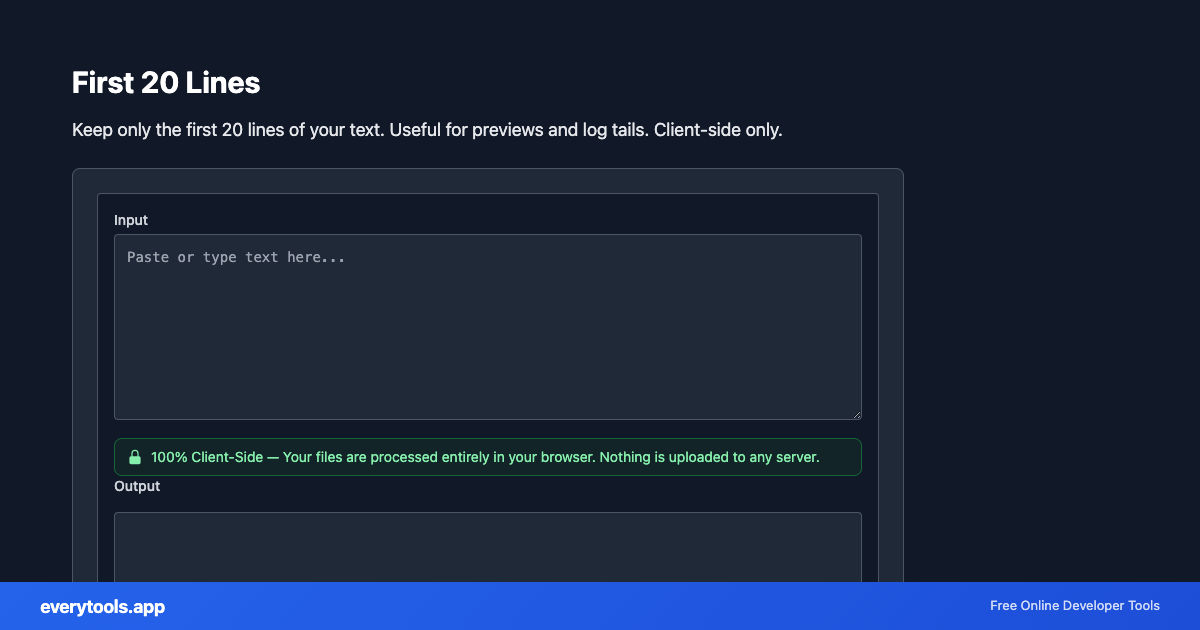
Keep only the first 20 lines of your text. Useful for previews and log tails. Client-side only.
Free Online First 20 Lines
The First 20 Lines is a high-speed, privacy-first web utility in the Text Tools suite designed to keep only the first 20 lines of your text. useful for previews and log tails. client-side only directly in your browser without requiring software installations, browser extensions, or account registrations.
Technical Specifications & Architecture
- Execution Environment:
- 100% Client-Side Browser Sandbox
- Data Privacy:
- Zero Server Storage / No Tracking
- Processing Speed:
- Real-time local CPU execution
- Cross-Platform:
- Works on Windows, macOS, Linux, iOS & Android
Local Processing for Text Tools
This tool runs within your browser sandbox using modern Web APIs. Inputs are processed on your local device CPU, avoiding network latency and ensuring your data is never stored on external servers or accessible to third parties.
Provide Input
Enter, paste, or upload your data into the input field above.
Configure & Process
The tool immediately processes your input in real time according to your chosen settings.
Copy or Save
Use the Copy button to copy the output to your clipboard, or download the result to your device.
Connected Tools & Next Steps
Recommended developer utilities frequently used before or after First 20 Lines
ROT-1 Text
Shift Latin letters by 1 positions (Caesar cipher). Numbers and punctuation unchanged. 100% client-side.
ROT-2 Text
Shift Latin letters by 2 positions (Caesar cipher). Numbers and punctuation unchanged. 100% client-side.
ROT-3 Text
Shift Latin letters by 3 positions (Caesar cipher). Numbers and punctuation unchanged. 100% client-side.
Other Text Tools
ROT-1 Text
Shift Latin letters by 1 positions (Caesar cipher). Numbers and punctuation unchanged. 100% client-side.
ROT-2 Text
Shift Latin letters by 2 positions (Caesar cipher). Numbers and punctuation unchanged. 100% client-side.
ROT-3 Text
Shift Latin letters by 3 positions (Caesar cipher). Numbers and punctuation unchanged. 100% client-side.
ROT-4 Text
Shift Latin letters by 4 positions (Caesar cipher). Numbers and punctuation unchanged. 100% client-side.
ROT-5 Text
Shift Latin letters by 5 positions (Caesar cipher). Numbers and punctuation unchanged. 100% client-side.
ROT-6 Text
Shift Latin letters by 6 positions (Caesar cipher). Numbers and punctuation unchanged. 100% client-side.
ROT-7 Text
Shift Latin letters by 7 positions (Caesar cipher). Numbers and punctuation unchanged. 100% client-side.
ROT-8 Text
Shift Latin letters by 8 positions (Caesar cipher). Numbers and punctuation unchanged. 100% client-side.