robots.txt Generator
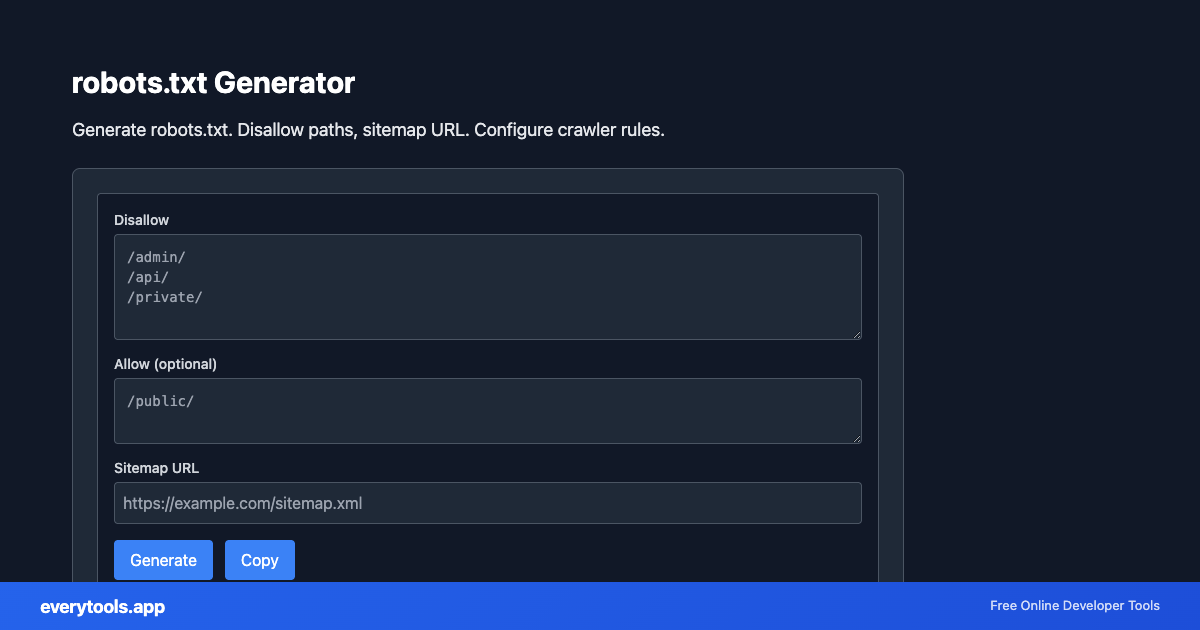
Generate robots.txt. Disallow paths, sitemap URL. Configure crawler rules.
Generate robots.txt online
Draft crawler rules and point to your XML sitemap. Common need: “robots.txt generator” with Disallow paths for staging or admin areas.
Technical Specifications & Architecture
- Technical Standard:
- RFC 3986 (Uniform Resource Identifier Generic Syntax)
- Execution Environment:
- 100% Client-Side Browser Sandbox
- Data Privacy:
- Zero Server Storage / No Tracking
- Processing Speed:
- Real-time local CPU execution
- Cross-Platform:
- Works on Windows, macOS, Linux, iOS & Android
Local Processing for SEO Tools
This tool runs within your browser sandbox using modern Web APIs. Inputs are processed on your local device CPU, avoiding network latency and ensuring your data is never stored on external servers or accessible to third parties.
Provide Input
Enter, paste, or upload your data into the input field above.
Configure & Process
The tool immediately processes your input in real time according to your chosen settings.
Copy or Save
Use the Copy button to copy the output to your clipboard, or download the result to your device.
Common Use Cases
- Block non-production hosts from indexing
- Expose sitemap location to crawlers
- Template starter robots.txt for new projects
You might also like
Connected Tools & Next Steps
Recommended developer utilities frequently used before or after robots.txt Generator
Meta Tag Generator
Generate SEO meta tags: title, description, keywords. Includes character count for Google (title 30-60, description 50-160).
JSON-LD Schema Generator
Generate JSON-LD structured data. WebSite, Organization, Article, Product schemas. Copy-ready for Schema.org.
Open Graph Meta Generator
Generate Open Graph and Twitter Card meta tags. og:title, og:description, og:image for social sharing.
Other SEO Tools
Meta Tag Generator
Generate SEO meta tags: title, description, keywords. Includes character count for Google (title 30-60, description 50-160).
JSON-LD Schema Generator
Generate JSON-LD structured data. WebSite, Organization, Article, Product schemas. Copy-ready for Schema.org.
Open Graph Meta Generator
Generate Open Graph and Twitter Card meta tags. og:title, og:description, og:image for social sharing.
XML Sitemap Generator
Generate XML sitemap from URL list. One URL per line. For search engine submission.
Meta Tag Analyzer
Analyze meta title and description. Character count, word count. SEO recommendations for length.
UTM Link Builder & Campaign Generator
Generate Google Analytics UTM tracking URLs with campaign source, medium, name, and terms online.
Open Graph Meta Tag Generator & Previewer
Generate Facebook, Twitter, and LinkedIn Open Graph meta tags with real-time social card preview.
Canonical URL Generator
Generate canonical URL from input. Normalize, remove tracking params, set protocol. For SEO and deduplication.
Frequently Asked Questions
- Does robots.txt block hackers?
- No. It is a polite signal to crawlers, not authentication. Sensitive areas need server-side protection.
- Include sitemap in robots.txt?
- You can reference your sitemap URL here; many sites do for discoverability.